

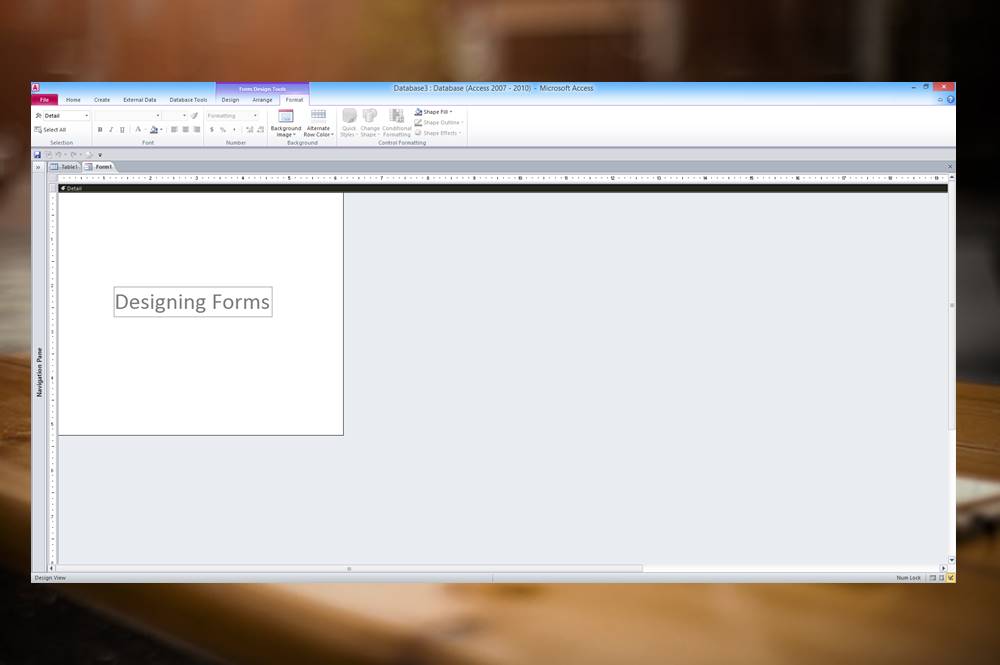
10 Techniques for Creating Forms in Microsoft Access
Useful Strategies for Creating Microsoft Access Forms in Design View Posted by: Avantix Learning Team | Updated October 14, 2022 Applies to: Microsoft® Access® 2010, 2013, 2016, 2019, 2021 and 365 (Windows) You'll save a lot of time in Microsoft Access if you can...
How to Convert a Microsoft Access Report to PDF (3 Ways)
Easily Save Access Reports as PDF Files by Avantix Learning Team | Updated October 14, 2022 Applies to: Microsoft® Access® 2010, 2013, 2016, 2019, 2021 and 365 (Windows) You can easily convert your Access reports to PDF (Portable Document Format) without using Adobe...
Using Excel's Hidden Camera to Create Live Screenshots
Insert Dynamic Screenshots Using a Camera in Microsoft Excel by Avantix Learning Team | Updated April 7, 2021 Applies to: Microsoft® Excel® 2013, 2016, 2019 and 365 (Windows) You can insert a live screenshot of an area in a workbook using Excel's hidden Camera....
How to Quickly Remove All Animations from PowerPoint Presentations
Remove Animations on One Slide or Turn Off Animations for an Entire PowerPoint Presentation by Avantix Learning Team | Updated September 12, 2023 Applies to: Microsoft® PowerPoint® 2010, 2013, 2016, 2019, 2021 and 365 (Windows) You can quickly remove or delete...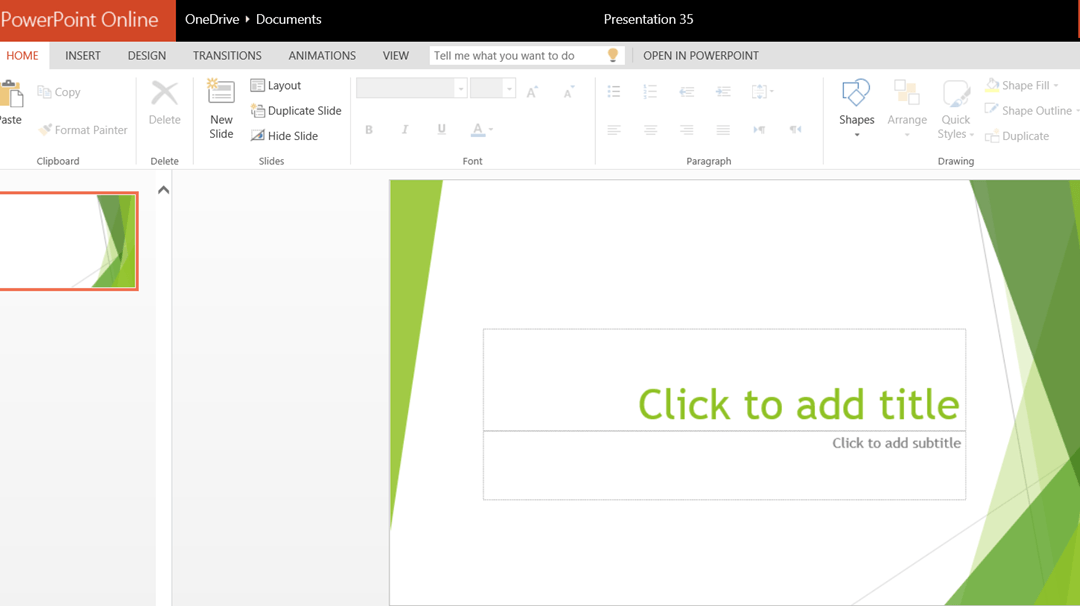
How to Access the Free Online Version of Microsoft PowerPoint
Creating, Editing and Saving Presentations using PowerPoint Online by Avantix Learning Team | Updated October 3, 2015 Applies to: Microsoft® PowerPoint® Online You can access a free online version of Microsoft PowerPoint and create simple presentations on the fly or...Follow Us


