

How to Insert or Type an Upside Down Exclamation Mark in Word (5 Ways to Insert ¡ with Shortcuts)
Insert or Type an Inverted Exclamation Mark in Word by Avantix Learning Team | Updated March 21, 2026 Applies to: Microsoft® Word® 2016, 2019, 2021, 2024 or 365 (Windows) This guide covers five easy ways to insert or type the upside down exclamation mark (¡) in...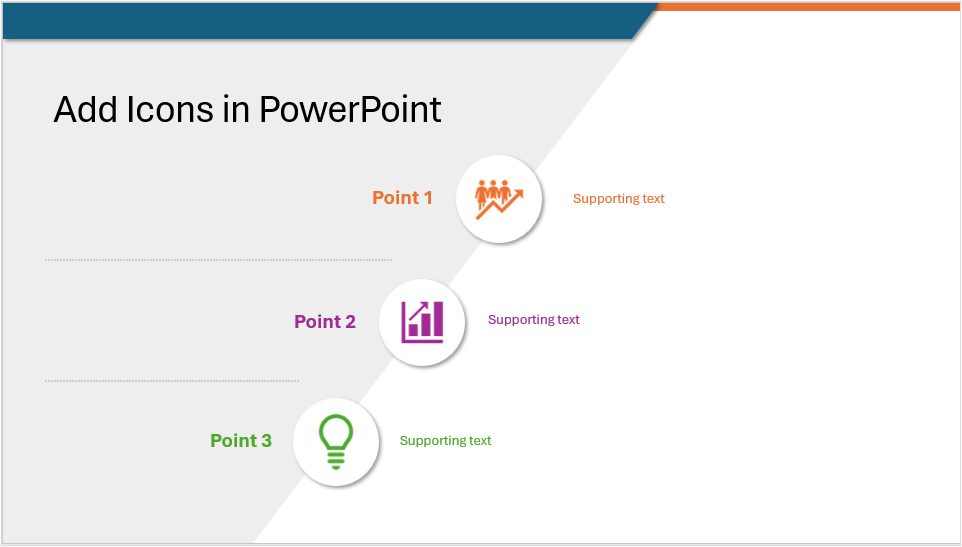
How to Insert and Format Icons in PowerPoint
Make Presentations More Engaging Using PowerPoint's Built-in Icons by Avantix Learning Team | Updated March 4, 2026 Applies to: Microsoft® PowerPoint® 2019, 2021, 2024 and 365 (Windows) You can insert icons in PowerPoint using Microsoft's built-in Stock Images which...
How to Link to Another Slide in PowerPoint (4 Ways)
4 Ways to Link to Another Slide in the Same PowerPoint Presentation by Avantix Learning Team | Updated February 6, 2026 Applies to: Microsoft® PowerPoint® 2016, 2019, 2021, 2024 and 365 (Windows) You can easily add a link or hyperlink to another slide in the same...
How to Recolor a Picture in PowerPoint
3 Ways to Recolor a Picture in PowerPoint by Avantix Learning Team | Updated February 22, 2025 Applies to: Microsoft® PowerPoint® 2016, 2019, 2021 and 365 (Windows) You can recolor a picture in PowerPoint in several ways. The recolor options in the Ribbon and in the...Follow Us


