

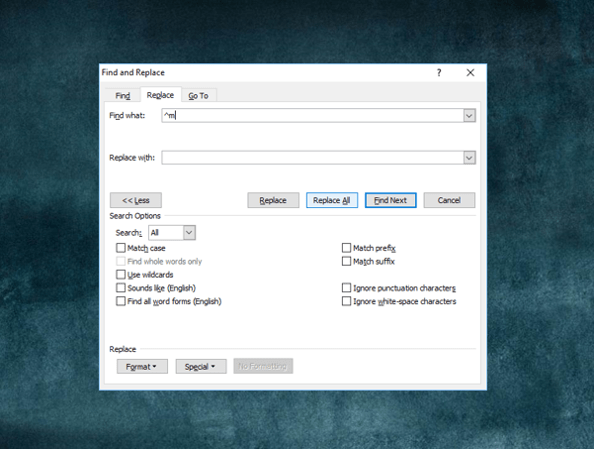
How to Quickly Remove All Page Breaks in Word
Delete All Manual Page Breaks in a Microsoft Word Document Article by: Avantix Learning Team | Updated January 10, 2021 Applies to: Microsoft® Word® 2010, 2013, 2016, 2019 or 365 (Windows) You can quickly remove all page breaks in a Microsoft Word file using Find and...
4 Strikethrough Shortcuts in Microsoft Word to Cross Out Text
Apply or Remove Strikethrough Using Shortcuts in Word by Avantix Learning Team | Updated January 25, 2026 Applies to: Microsoft® Word® 2016, 2019, 2021, 2024 and 365 (Windows) You can apply strikethrough to text in Word to cross out or create a line through text. This...
How to Insert a Line in Word (3+ Ways)
Insert Lines in Microsoft Word Documents Using Borders by Avantix Learning Team | Updated March 21, 2026 Applies to: Microsoft® Word® 2016, 2019, 2021, 2024 and 365 (Windows) You can insert a line in Word using the Ribbon or by using keyboard shortcuts. It's best to...
How to Hyperlink in Word (Insert, Edit or Remove Links)
Add, Edit or Remove Links or Hyperlinks in Word Documents by Avantix Learning Team | Updated October 14, 2022 Applies to: Microsoft® Word® 2010, 2013, 2016, 2019, 2021 and 365 (Windows) You can easily add links or hyperlinks in Microsoft Word documents to add...Follow Us


