

How to Hide Paragraph Marks in Word (or Show Them)
Hide Paragraph Marks (¶) and Other Nonprinting Symbols in Microsoft Word by Avantix Learning Team | Updated September 14, 2023 Applies to: Microsoft® Word® 2010, 2013, 2016, 2019, 2021 and 365 (Windows) You can show or hide paragraph marks (¶) or symbols and other...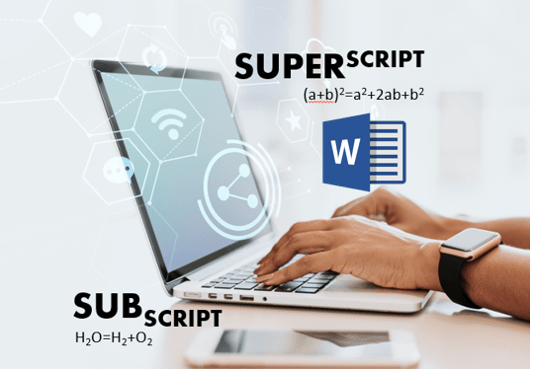
How to Superscript or Subscript in Word (with Shortcuts)
Apply Superscript or Subscript in Microsoft Word (4 Ways) by Avantix Learning Team | Updated March 21, 2026 Applies to: Microsoft® Word® 2016, 2019, 2021, 2024 and 365 (Windows) You can apply superscript or subscript in Microsoft Word using keyboard shortcuts, buttons...
How to Convert a PDF to Word in Microsoft Word (for Free – No Third Party Programs Needed)
Convert a PDF File Natively in Microsoft Word by Avantix Learning Team | Updated September 14, 2023 Applies to: Microsoft® Word® 2013, 2016, 2019, 2021 or 365 (Windows) You can convert a PDF to Word natively in Microsoft Word for free. You don't need to download or...
Zoom Keyboard Shortcuts (50+ Shortcuts to Save Time During Your Virtual Meetings, Training and Webinars)
Check Out This Great List of Zoom Keyboard Shortcuts by Avantix Learning Team | Updated April 5, 2021 Applies to: Zoom® Desktop App (Windows and Mac) As a tool for virtual calls, meetings and webinars, Zoom has exploded recently with a huge group of users...
Microsoft Teams Keyboard Shortcuts (40+ Shortcuts)
Essential Keyboard Shortcuts for Microsoft Teams by Avantix Learning Team | Updated April 5, 2021 Applies to: Microsoft® Teams® Desktop App (Windows) If you’re a Microsoft Teams user, you can save alot of time using your keyboard to access Teams commands. Check...Follow Us


