
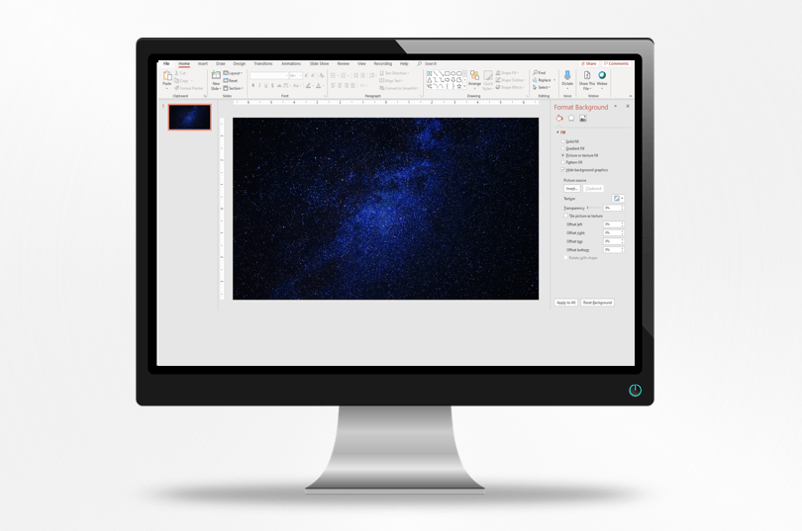
How to Change Slide Background in PowerPoint
Change the Background of PowerPoint Slides to a Color, Gradient or Picture by Avantix Learning Team | Updated September 7, 2023 Applies to: Microsoft® PowerPoint® 2013, 2016, 2019, 2021 and 365 (Windows) In PowerPoint, you can change the background of individual...
How to Hyperlink in PowerPoint (Insert, Remove or Edit Links)
Insert and Manage Links or Hyperlinks to Create Interactive PowerPoint Presentations by Avantix Learning Team | Updated August 12, 2025 Applies to: Microsoft® PowerPoint® 2016, 2019, 2021 and 365 (Windows) You can easily add links or hyperlinks in PowerPoint...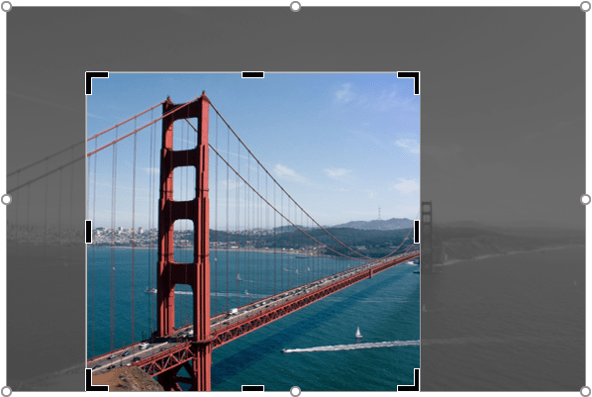
How to Crop a Picture in PowerPoint (4 Ways)
Crop an Image in 4 Different Ways in PowerPoint by Avantix Learning Team | Updated August 12, 2025 Applies to: Microsoft® PowerPoint® 2016, 2019, 2021 and 365 (Windows) In PowerPoint, you can crop a picture in several different ways. You can apply basic cropping, crop...
How to Insert Nonbreaking Spaces and Nonbreaking Dashes in PowerPoint
Keep Characters Together Using Nonbreaking Spaces and Nonbreaking Dashes (or Hyphens) in Your PowerPoint Slides by Avantix Learning Team | Updated October 11, 2022 Applies to: Microsoft® PowerPoint® 2010, 2013, 2016, 2019, 2021 and 365 (Windows) You can insert...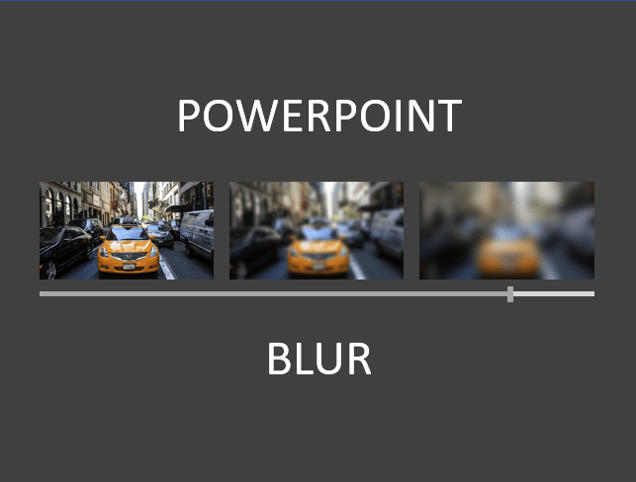
How to Blur an Image in PowerPoint
Blur a Picture on a PowerPoint Slide by Avantix Learning Team | Updated February 26, 2025 Applies to: Microsoft® PowerPoint® 2016, 2019, 2021 and 365 (Windows) You can blur an image in PowerPoint and achieve some interesting effects. Blur is an artistic effect and you...Follow Us


