

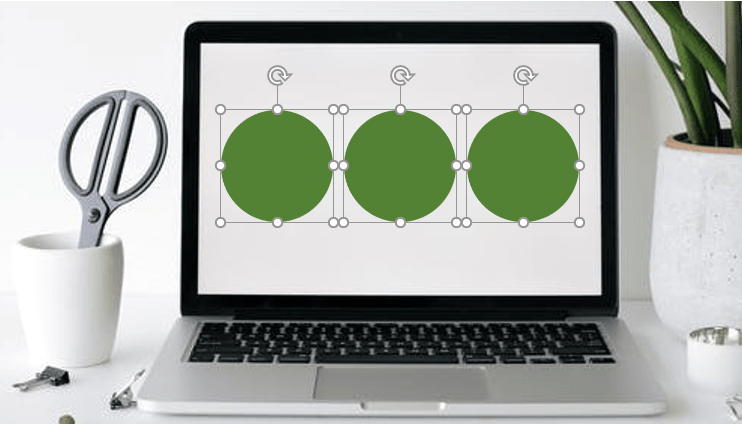
How to Group or Ungroup Objects in PowerPoint (with Shortcuts)
3 Ways to Group or Ungroup Objects in PowerPoint Presentations by Avantix Learning Team | Updated October 4, 2024 Applies to: Microsoft® PowerPoint® 2016, 2019, 2021 and 365 (Windows) You can group and ungroup objects in PowerPoint using keyboard shortcuts, the...
How to Fade a Picture In and Out in PowerPoint
Fade an Image In and Out in PowerPoint Using Animations by Avantix Learning Team | Updated September 5, 2023 Applies to: Microsoft® PowerPoint® 2013, 2016, 2019, 2021 and 365 (Windows) You can fade a picture in and out in PowerPoint using animations. Both Fade...
Troubleshoot Slide Numbers in PowerPoint Decks
Slide Numbers Not Working? Try These Strategies to Fix Missing Slide Numbers by Avantix Learning Team | Updated January 26, 2021 Applies to: Microsoft® PowerPoint® 2013, 2016, 2019 and 365 (Windows) If you’ve inserted slide numbers in slide layout placeholders in...
How to Add Slide Numbers in PowerPoint Presentations (Step-by-Step)
Add Slide Numbers in PowerPoint using Slide Layouts by Avantix Learning Team | Updated December 18, 2025 Applies to: Microsoft® PowerPoint® 2016, 2019, 2021 and 365 (Windows) You can insert slide numbers on some or all of your PowerPoint slides using slide layouts. If...Follow Us


