

How to Modify Table of Contents Formatting in Word
Modify Table of Contents or TOC Formatting in a Word Document (including Fonts, Indents and Spacing) by Avantix Learning Team | Updated July 3, 2026 Applies to: Microsoft® Word® 2016, 2019, 2021, 2024 or 365 (Windows) If you have created an automatic or custom table...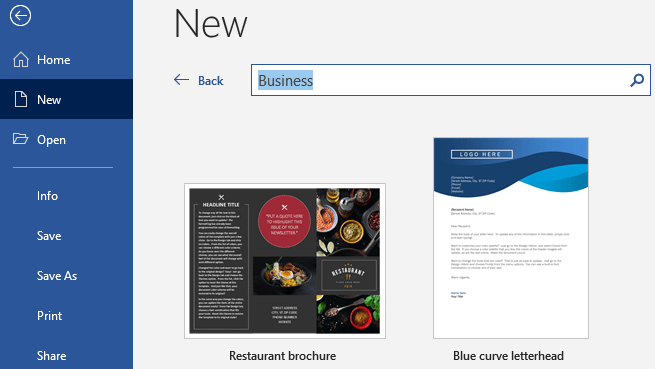
How to Create Templates in Microsoft Word
Create, Save, Edit and Use Templates in Microsoft Word by Avantix Learning Team | Updated February 14, 2021 Applies to: Microsoft® Word® 2013, 2016, 2019 or 365 (Windows) You can create, save, use and edit templates in Microsoft Word for frequently-used documents...
How to Convert a PDF to Word in Microsoft Word (for Free – No Third Party Programs Needed)
Convert a PDF File Natively in Microsoft Word by Avantix Learning Team | Updated September 14, 2023 Applies to: Microsoft® Word® 2013, 2016, 2019, 2021 or 365 (Windows) You can convert a PDF to Word natively in Microsoft Word for free. You don't need to download or...
How to Hyperlink in PowerPoint (Insert, Remove or Edit Links)
Insert and Manage Links or Hyperlinks to Create Interactive PowerPoint Presentations by Avantix Learning Team | Updated August 12, 2025 Applies to: Microsoft® PowerPoint® 2016, 2019, 2021 and 365 (Windows) You can easily add links or hyperlinks in PowerPoint...Follow Us


