

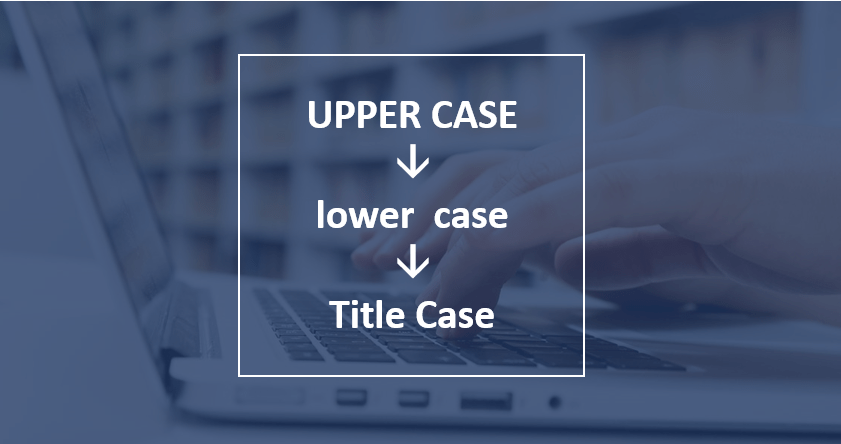
How to Change Case in Word (3 Ways with Shortcuts)
3 Ways to Change or Convert Case in Microsoft Word Documents (Upper, Lower, Title or Sentence Case) by Avantix Learning Team | Updated March 28, 2026 Applies to: Microsoft® Word® 2016, 2019, 2021, 2024 or 365 (Windows) You can change case in Microsoft Word documents...
3 Ways to Insert or Type the Euro Symbol in Google Docs (€)
Insert the Euro Sign or Symbol in Google Docs (with Shortcuts) by Avantix Learning Team | Updated April 13, 2024 Applies to: Google Docs® (Windows or Mac) You can insert the Euro sign or symbol (€) in a Google Docs file using built-in commands or keyboard shortcuts...
3 Ways to Insert or Type the Euro Symbol in PowerPoint (€)
Insert the Euro Sign or Symbol in PowerPoint Presentations (with Shortcuts) by Avantix Learning Team | Updated October 4, 2024 Applies to: Microsoft® PowerPoint® 2016, 2019, 2021 and 365 (Windows) You can insert the euro sign or symbol (€) in a PowerPoint presentation...
How to Modify Table of Contents Formatting in Word
Modify Table of Contents or TOC Formatting in a Word Document (including Fonts, Indents and Spacing) by Avantix Learning Team | Updated June 23, 2022 Applies to: Microsoft® Word® 2013, 2016, 2019, 2021 or 365 (Windows) If you have created an automatic or custom table...
How to Lock Cells in Excel (3 Ways)
Easily Lock Cells in Excel Worksheets by Avantix Learning Team | Updated May 26, 2022 Applies to: Microsoft® Excel® 2013, 2016, 2019, 2021 or 365 (Windows) It's easy to lock cells in Excel to protect data or formulas. This is typically a two-step process. First,...Follow Us


