


How to Extract All Video or Audio Files from a PowerPoint Deck
Try This Great Trick to Easily Extract All Embedded Video or Audio from a PowerPoint Presentation Avantix Learning Team | Updated August 11, 2021 Applies to: Microsoft® PowerPoint® 2013, 2016, 2019 and 365 (Windows) If you want to extract embedded video or audio files...
How to Keep Text Together in Word (Paragraphs, Lines or Words)
4 Ways to Keep Text Together in Microsoft Word Documents by Avantix Learning Team | Updated July 9, 2025 Applies to: Microsoft® Word® 2016, 2019, 2021 and 365 (Windows) You can keep text together in several ways in Word. If you want to keep words or characters...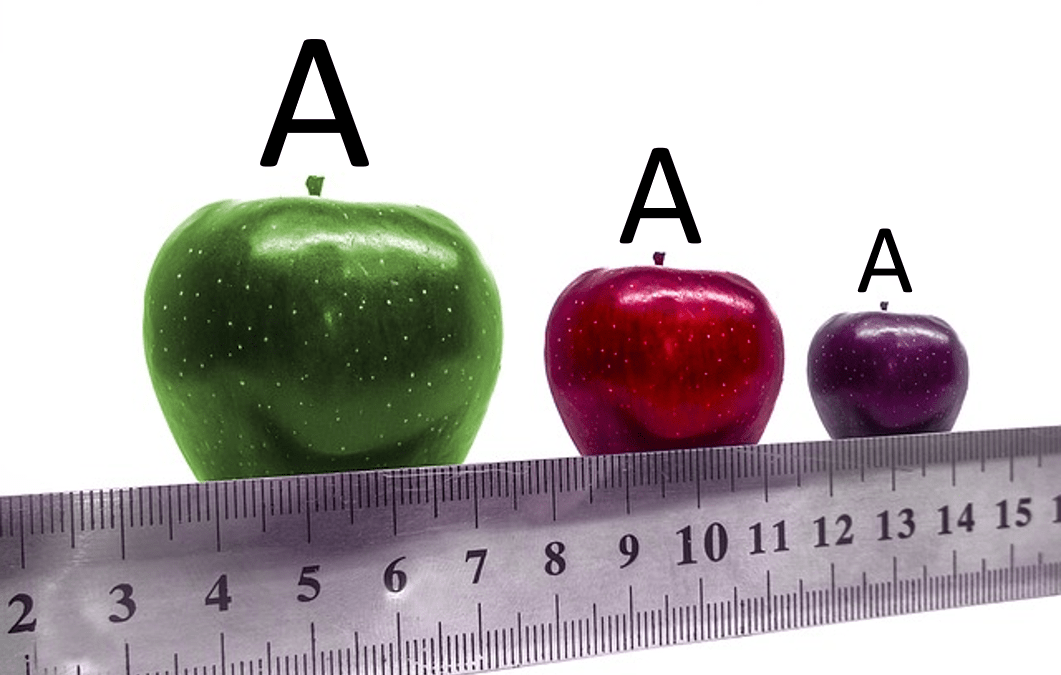
How to Turn Off Automatic Text Resizing in PowerPoint
Stop Automatic Text Resizing in PowerPoint Placeholders or Text Boxes by Avantix Learning Team | Updated January 25, 2026 Applies to: Microsoft® PowerPoint® 2016, 2019, 2021, 2024 and 365 (Windows) You can turn off or stop automatic text resizing in PowerPoint by...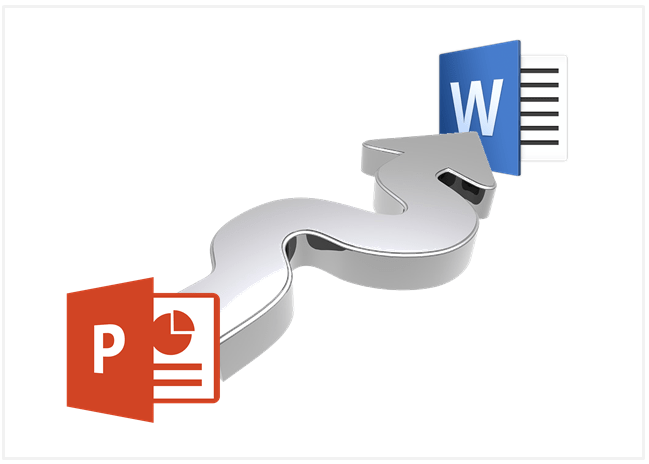
How to Export PowerPoint Handouts to Microsoft Word
Export Handouts from PowerPoint and Edit in Microsoft Word by Avantix Learning Team | Updated April 16, 2017 Applies to: Microsoft® PowerPoint® and Word® 2007, 2010, 2013 and 2016 (Windows) It's easy to export handouts from Microsoft PowerPoint presentations to Word....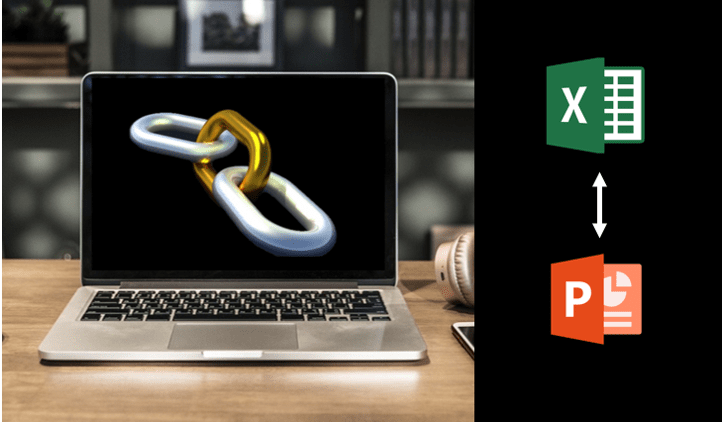
How to Break, Update or Change Links to Excel Charts or Worksheets in PowerPoint
Use PowerPoint's Edit Links to Files to Break, Update or Change Excel Links by Avantix Learning Team | Updated March 15, 2021 Applies to: Microsoft® PowerPoint® 2010, 2013, 2016, 2019 and 365 (Windows) If you want to break, update or change links to Excel charts or...Follow Us


