
How to Add or Remove Page Breaks in Microsoft Word
Insert or Delete Page Breaks in a Word Document by Avantix Learning Team | Updated January 10, 2021 Applies to: Microsoft® Word® 2010, 2013, 2016, 2019 or 365 (Windows) You can add or remove page breaks in Microsoft Word in a number of ways. It's important to...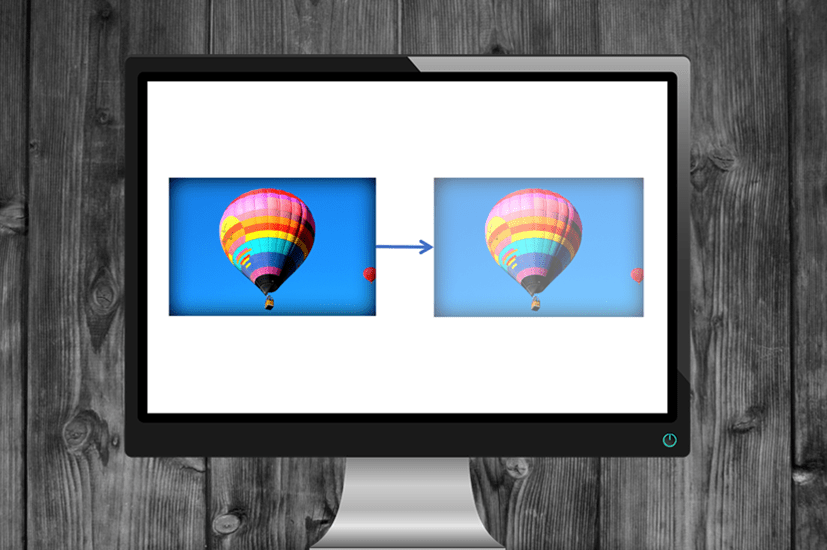
How to Make a Picture Transparent in PowerPoint (3 Ways)
Make a Picture Transparent in PowerPoint by Avantix Learning Team | Updated September 7, 2023 Applies to: Microsoft® PowerPoint® 2013, 2016, 2019, 2021 and 365 (Windows) You can make a picture transparent or semi-transparent in PowerPoint in 3 ways. If you want to...
Copy Styles Between Microsoft Word Documents Using Style Sets
How to Import or Copy Styles in Microsoft Word by Avantix Learning Team | Updated April 6, 2021 Applies to: Microsoft® Word® 2010, 2016, 2019 and 365 (Windows) In Microsoft Word, you can store a set of styles in your own custom Style Set (also called a Quick Style...
Create Dynamic Microsoft Word Documents Using Fields (Insert, Format and Update Fields)
How to Automate Microsoft Word by Inserting and Updating Fields by Avantix Learning Team | Updated March 14, 2021 Applies to: Microsoft® Word® 2010, 2013, 2016, 2019, 2021 or 365 (Windows) You can create dynamic components in your Word documents by inserting and...
How to Change the Measurement System Units in PowerPoint (from Inch to Cm and Vice Versa)
Change PowerPoint’s Measurement System from Inches to Cms or Vice Versa by Changing Your Control Panel Settings by Avantix Learning Team | Updated April 6, 2021 Applies to: Microsoft® PowerPoint® 2013, 2016, 2019 and 365 (Windows) When you’re working on your...Follow Us


