


How to Change the Thumbnail for a Video in PowerPoint (using the Poster Frame Tool)
Changing the Thumbnail of a Video Clip in PowerPoint by Avantix Learning Team | Updated August 25, 2023 Applies to: Microsoft® PowerPoint® 2016, 2019, 2021 and 365 (Windows) If you have inserted a video on a PowerPoint slide, you can display a custom thumbnail (or...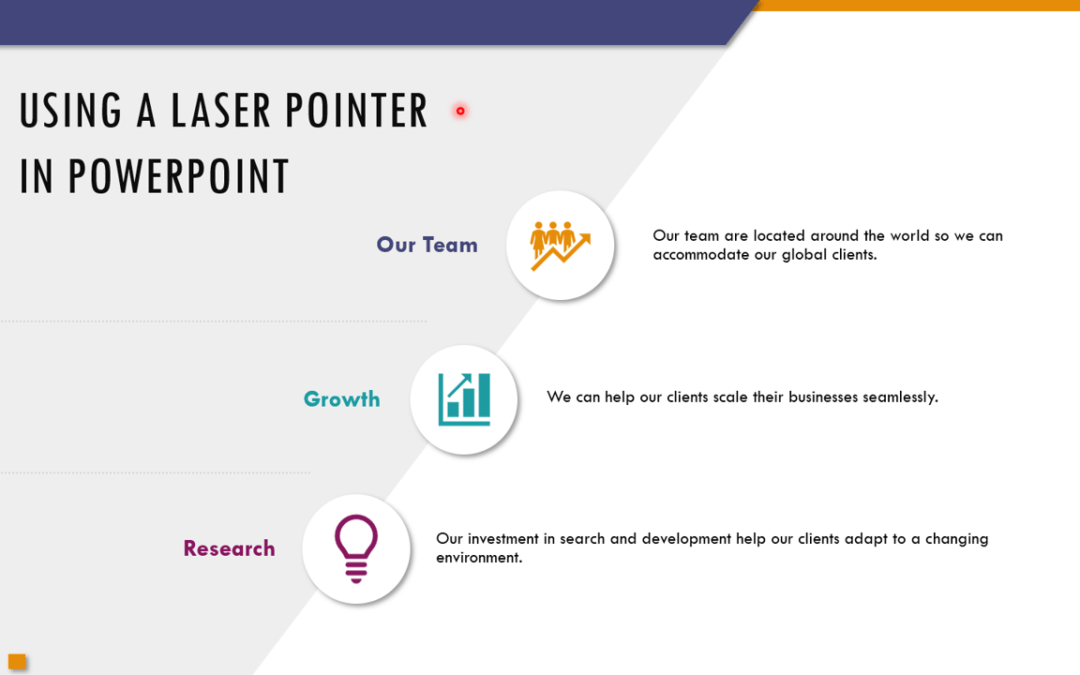
How to Use the Built-in Laser Pointer in PowerPoint (with Shortcuts)
Display a Laser Pointer During a PowerPoint Slide Show (and Choose Red, Green or Blue Pointers) by Avantix Learning Team | Updated October 31, 2025 Applies to: Microsoft® PowerPoint® 2016, 2019, 2021 and 365 (Windows) During a PowerPoint slide show, you can change...
How to Add Audio in PowerPoint Presentations
Insert or Embed Audio in PowerPoint from a File on Your PC or Shared Drive by Avantix Learning Team | Updated January 31, 2025 Applies to: Microsoft® PowerPoint® 2016, 2019, 2021 and 365 (Windows) You can add audio in PowerPoint from a file on your PC or from a shared...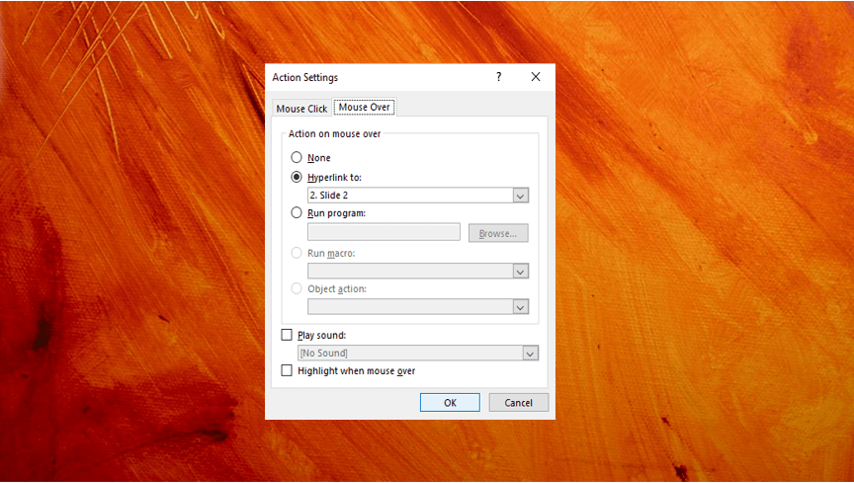
How to Create a Mouse Over or Hover Over Pop-up Effect in PowerPoint
Create a Pop-Up Effect When You Mouse Over an Object in PowerPoint by Avantix Learning Team | Updated September 14, 2023 Applies to: Microsoft® PowerPoint® 2013, 2016, 2019, 2021 and 365 (Windows) You can create a pop-up effect in PowerPoint when you hover over or...
How to Turn Off Autofit in PowerPoint to Stop Automatic Formatting
Turn Autofit Off or On in PowerPoint Presentations by Avantix Learning Team | Updated March 12, 2021 Applies to: Microsoft® PowerPoint® 2013, 2016, 2019 and 365 (Windows) You can turn off Autofit to stop PowerPoint from automatically formatting or changing font size...Follow Us


