

How to Add Speaker Notes in PowerPoint
Add, Format and View Speaker Notes in PowerPoint Decks by Avantix Learning Team | Updated February 7, 2025 Applies to: Microsoft® PowerPoint® 2016, 2019, 2021 and 365 (Windows) You can add speaker notes in your PowerPoint decks using the Notes pane in Normal View....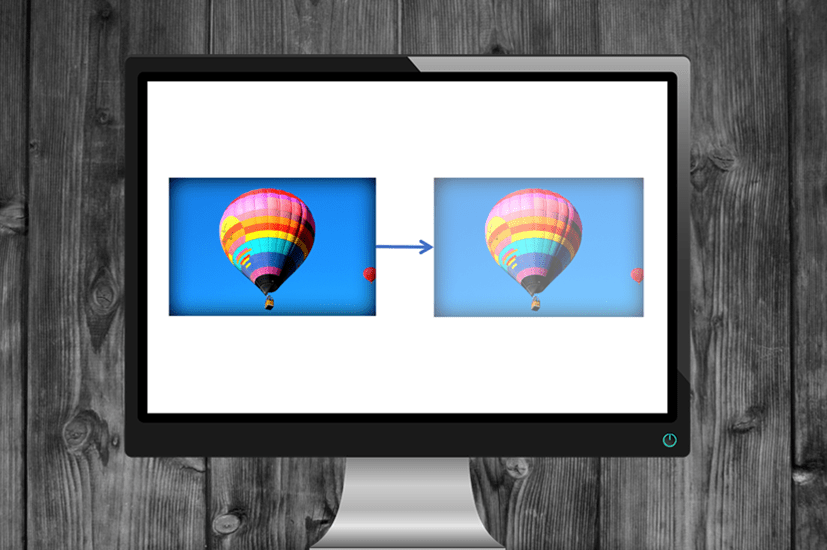
How to Make a Picture Transparent in PowerPoint (3 Ways)
Make a Picture Transparent in PowerPoint by Avantix Learning Team | Updated September 7, 2023 Applies to: Microsoft® PowerPoint® 2013, 2016, 2019, 2021 and 365 (Windows) You can make a picture transparent or semi-transparent in PowerPoint in 3 ways. If you want to...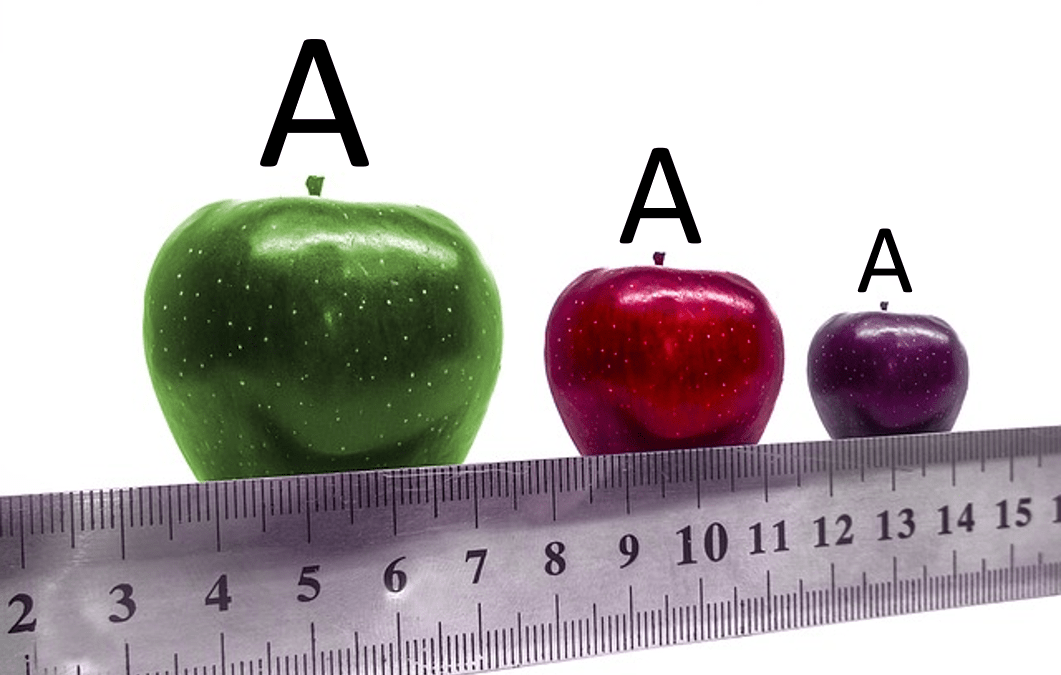
How to Turn Off Automatic Text Resizing in PowerPoint
Stop Automatic Text Resizing in PowerPoint Placeholders or Text Boxes by Avantix Learning Team | Updated January 25, 2026 Applies to: Microsoft® PowerPoint® 2016, 2019, 2021, 2024 and 365 (Windows) You can turn off or stop automatic text resizing in PowerPoint by...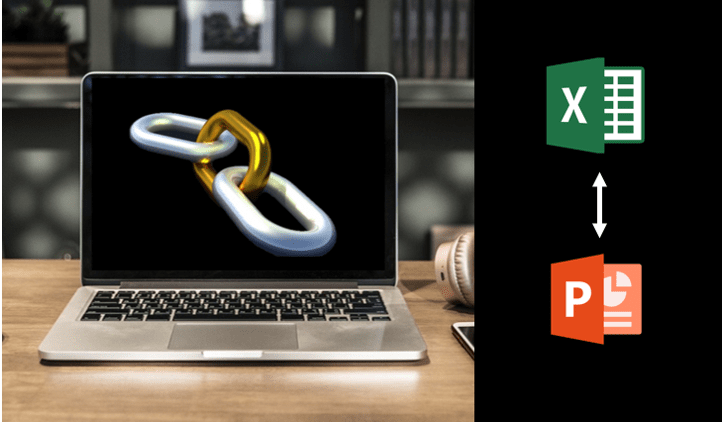
How to Break, Update or Change Links to Excel Charts or Worksheets in PowerPoint
Use PowerPoint's Edit Links to Files to Break, Update or Change Excel Links by Avantix Learning Team | Updated March 15, 2021 Applies to: Microsoft® PowerPoint® 2010, 2013, 2016, 2019 and 365 (Windows) If you want to break, update or change links to Excel charts or...
How to Quickly Change Shapes on PowerPoint Slides
2 Ways to Change Shapes in PowerPoint by Avantix Learning Team | Updated August 23, 2021 Applies to: Microsoft® PowerPoint® 2010, 2013, 2016, 2019 and 365 (Windows) When you create shapes in PowerPoint, they are created as vectors. You can apply fills, lines, special...Follow Us


