
How to Convert PowerPoint to Google Slides (5 Ways)
Easily Convert a PowerPoint Presentation to Google Slides by Avantix Learning Team | Updated August 8, 2023 Applies to: Microsoft® PowerPoint® 2013, 2016, 2019, 2021 and 365 (Windows) and Google Slides You can convert a PowerPoint presentation to Google Slides in...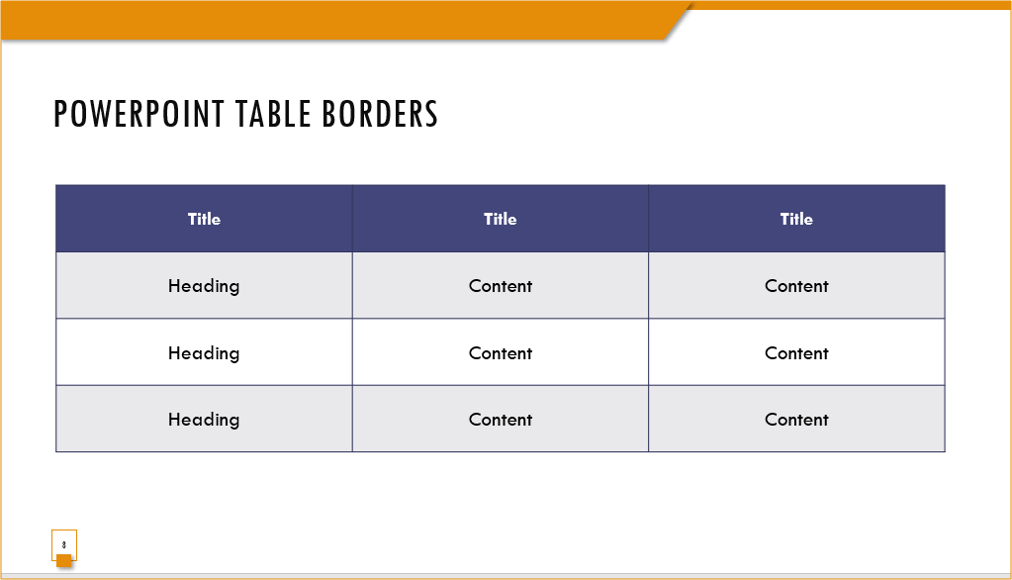
How to Change Table or Cell Border Color in PowerPoint
Change Table or Cell Border Color, Line Style and Thickness in PowerPoint by Avantix Learning Team | Updated June 19, 2025 Applies to: Microsoft® PowerPoint® 2016, 2019, 2021 and 365 (Windows) You can change the color of a table border or the borders of specific cells...
How to Rotate Objects in PowerPoint (4 Ways)
Rotate Shapes, Images and Other Objects in PowerPoint by Avantix Learning Team | Updated February 22, 2025 Applies to: Microsoft® PowerPoint® 2016, 2019, 2021 and 365 (Windows) You can rotate objects in PowerPoint by dragging the rotation handle, entering an exact...
How to Compress Images in PowerPoint to Reduce File Size (10 Strategies)
10 Strategies to Compress Images in Large PowerPoint Presentations by Avantix Learning Team | Updated July 21, 2020 Applies to: Microsoft® PowerPoint® 2010, 2013, 2016, 2019 and 365 (Windows) There are many strategies you can use to compress images in PowerPoint...
How to Blur Text in PowerPoint
Blur Text on a PowerPoint Slide to Create Interesting Effects by Avantix Learning Team | Updated September 7, 2023 Applies to: Microsoft® PowerPoint® 2013, 2016, 2019, 2021 and 365 (Windows) Blur is an artistic effect that you can apply to a picture in PowerPoint....Follow Us


