

4 Ways to Create a Table in Word
Insert and Edit a Table with Multiple Columns and Rows in Word by Avantix Learning Team | Updated August 23, 2022 Applies to: Microsoft® Word® 2013, 2016, 2019, 2021 and 365 (Windows) You can create a table in a Word document in 4 easy ways using the Ribbon. A table...
How to Insert or Type E with an Accent Mark in Word (È, É, Ê, Ë, è, é, ê, or ë)
4 Ways to Insert E with an Accent in Word by Avantix Learning Team | Updated March 11, 2025 Applies to: Microsoft® Word® 2016, 2019, 2021 or 365 (Windows) You can insert or type e with an accent mark in Word using built-in tools or keyboard shortcuts (including Alt...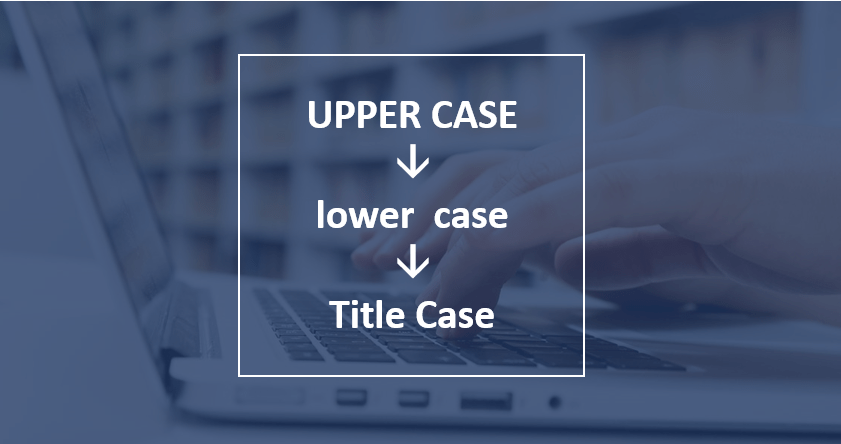
How to Change Case in Word (3 Ways with Shortcuts)
3 Ways to Change or Convert Case in Microsoft Word Documents (Upper, Lower, Title or Sentence Case) by Avantix Learning Team | Updated March 28, 2026 Applies to: Microsoft® Word® 2016, 2019, 2021, 2024 or 365 (Windows) You can change case in Microsoft Word documents...
How to Modify Table of Contents Formatting in Word
Modify Table of Contents or TOC Formatting in a Word Document (including Fonts, Indents and Spacing) by Avantix Learning Team | Updated June 23, 2022 Applies to: Microsoft® Word® 2013, 2016, 2019, 2021 or 365 (Windows) If you have created an automatic or custom table...
How to Insert or Type U with an Accent Mark in Word (Ù, Ú, Û, Ü, ù, ú, û, or ü)
4 Ways to Insert U with an Accent in Word by Avantix Learning Team | Updated March 11, 2025 Applies to: Microsoft® Word® 2016, 2019, 2021 or 365 (Windows) You can insert or type u with an accent mark in Word using built-in tools or keyboard shortcuts (including Alt...Follow Us


