


How to Search for Text in Word
Find or Search for Text in Microsoft Word (2 Ways) by Avantix Learning Team | Updated March 22, 2021 Applies to: Microsoft® Word® 2010, 2013, 2016, 2019 or 365 (Windows) You can search for text in Word documents using the Navigation Pane or the Find and Replace dialog...
How to Turn Off Automatic Bullets and Numbering in Word
Turn Automatic Bullets and Numbering Off or On in Microsoft Word by Avantix Learning Team | Updated March 22, 2021 Applies to: Microsoft® Word® 2010, 2013, 2016, 2019 or 365 (Windows) You can turn off automatic bullets and numbering in Word by changing AutoFormat...
How to Insert a Check Mark or Tick Mark in Word (8 Ways with Shortcuts)
Insert or Type a Check Mark or Tick Mark Symbol in Word by Avantix Learning Team | Updated February 4, 2026 Applies to: Microsoft® Word® 2016, 2019, 2021, 2024 or 365 (Windows) You can insert or type a check mark or tick mark symbol (✓) in a Word document in several...
How to Remove Comments in Word (4 Ways to Delete Comments)
Remove Comments in Word Documents (Delete Single, Multiple or All Comments) by Avantix Learning Team | Updated February 4, 2026 Applies to: Microsoft® Word® 2016, 2019, 2021, 2024 or 365 (Windows) You can remove comments in Word by right-clicking, using the Review tab...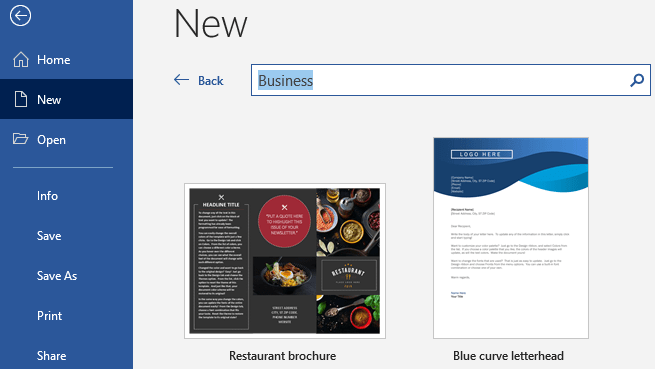
How to Create Templates in Microsoft Word
Create, Save, Edit and Use Templates in Microsoft Word by Avantix Learning Team | Updated February 14, 2021 Applies to: Microsoft® Word® 2013, 2016, 2019 or 365 (Windows) You can create, save, use and edit templates in Microsoft Word for frequently-used documents...Follow Us


