

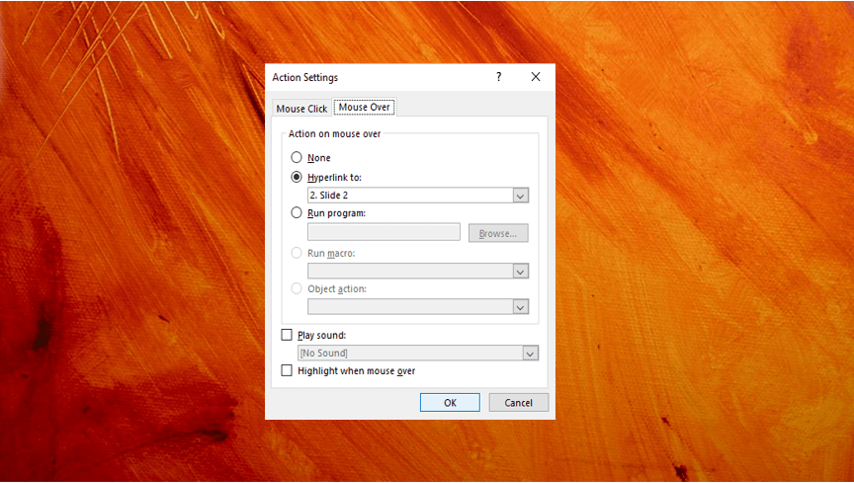
How to Create a Mouse Over or Hover Over Pop-up Effect in PowerPoint
Create a Pop-Up Effect When You Mouse Over an Object in PowerPoint by Avantix Learning Team | Updated July 2, 2026 Applies to: Microsoft® PowerPoint® 2016, 2019, 2021, 2024 and 365 (Windows) You can create a pop-up effect in PowerPoint when you hover over or mouse...
How to Turn Off Autofit in PowerPoint to Stop Automatic Formatting
Turn Autofit Off or On in PowerPoint Presentations by Avantix Learning Team | Updated March 12, 2021 Applies to: Microsoft® PowerPoint® 2013, 2016, 2019 and 365 (Windows) You can turn off Autofit to stop PowerPoint from automatically formatting or changing font size...
How to Insert Linked or Unlinked Excel Worksheet Data into PowerPoint
Inserting Excel Data into PowerPoint That You Can Update by Avantix Learning Team | Updated March 15, 2021 Applies to: Microsoft® PowerPoint® 2013, 2016, 2019 and 365, (Windows) You can insert Excel worksheet data into PowerPoint as an object or a table. Objects can...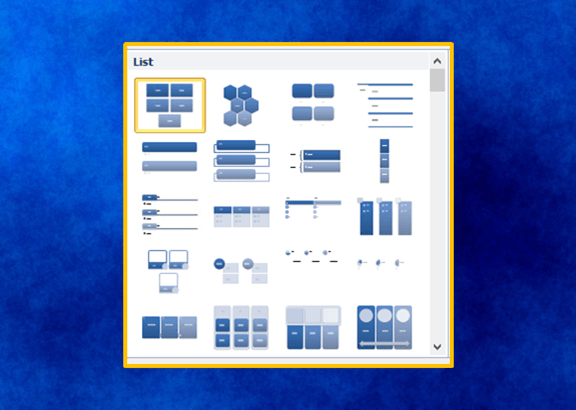
20 PowerPoint Tips and Shortcuts to Work Faster with SmartArt
Check Out These Tips and Shortcuts to Insert and Format SmartArt in PowerPoint by Avantix Learning Team | Updated September 1, 2026 Applies to: Microsoft® PowerPoint® 2016, 2019, 2021, 2024 and 365 (Windows) If you're inserting and formatting SmartArt in PowerPoint,...
How to Use the Selection Pane in PowerPoint to Select, Reorder, Rename and Hide Objects
Use the Selection Pane in PowerPoint to Work With Multiple Objects by Avantix Learning Team | Updated March 12, 2022 Applies to: Microsoft® PowerPoint® 2013, 2016, 2019, 2021 or 365 (Windows) One of PowerPoint's most useful tools is the Selection Pane. You can use it...Follow Us


