
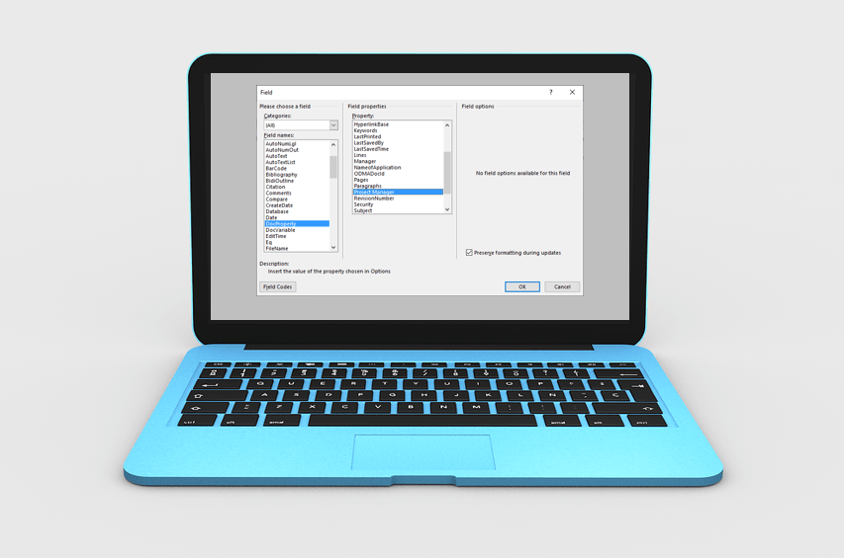
How to Insert Fields in Microsoft Word (Built-in or Custom)
Insert Fields in a Microsoft Word Document to Display Variable Content by Avantix Learning Team | Updated January 10, 2021 Applies to: Microsoft® Word® 2010, 2013, 2016, 2019 or 365 (Windows) You can insert built-in or custom fields in Word documents to display...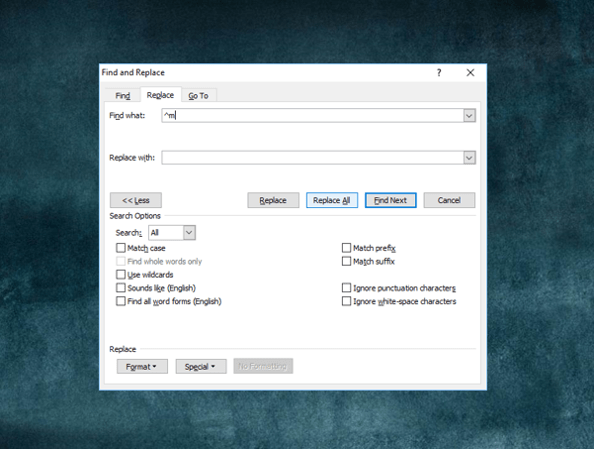
How to Quickly Remove All Page Breaks in Word
Delete All Manual Page Breaks in a Microsoft Word Document Article by: Avantix Learning Team | Updated January 10, 2021 Applies to: Microsoft® Word® 2010, 2013, 2016, 2019 or 365 (Windows) You can quickly remove all page breaks in a Microsoft Word file using Find and...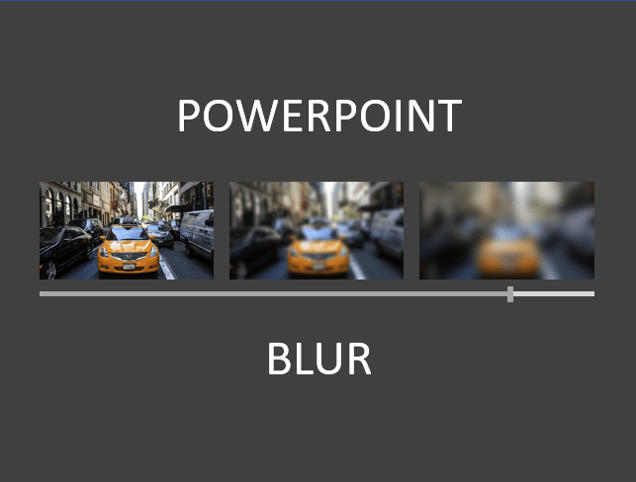
How to Blur an Image in PowerPoint
Blur a Picture on a PowerPoint Slide by Avantix Learning Team | Updated February 26, 2025 Applies to: Microsoft® PowerPoint® 2016, 2019, 2021 and 365 (Windows) You can blur an image in PowerPoint and achieve some interesting effects. Blur is an artistic effect and you...
How to Add Page Numbers in Word
Add Page Numbers in Word Documents using Headers or Footers by Avantix Learning Team | Updated January 25, 2026 Applies to: Microsoft® Word® 2016, 2019, 2021, 2024 and 365 (Windows) You can add page numbers in Word documents at the top or bottom of pages using headers...
How to Crop an Image into a Circle in PowerPoint Using Merge Shapes
Cutting a Circle Out of a Picture on a PowerPoint Slide Using Merge Shapes by Avantix Learning Team | Updated March 12, 2021 Applies to: Microsoft® PowerPoint® 2013, 2016, 2019 and 365 (Windows) Starting in Microsoft PowerPoint 2013, you can use the Merge Shapes tool...Follow Us


