


How to Insert or Type E with an Accent Mark in Word (È, É, Ê, Ë, è, é, ê, or ë)
4 Ways to Insert E with an Accent in Word by Avantix Learning Team | Updated March 11, 2025 Applies to: Microsoft® Word® 2016, 2019, 2021 or 365 (Windows) You can insert or type e with an accent mark in Word using built-in tools or keyboard shortcuts (including Alt...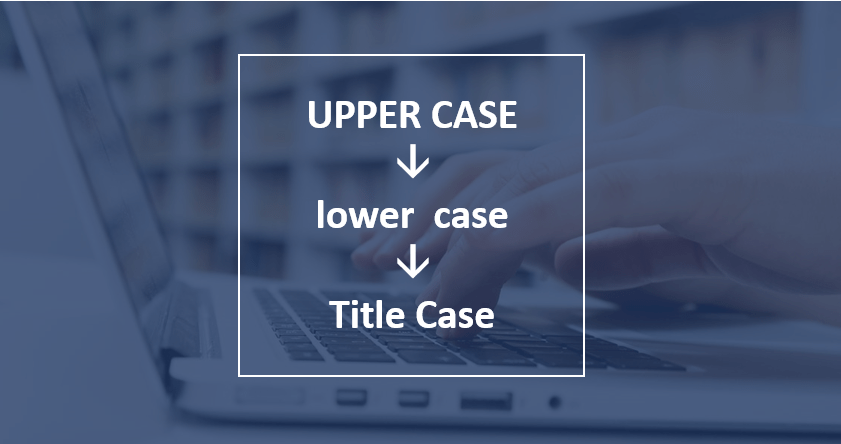
How to Change Case in Word (3 Ways with Shortcuts)
3 Ways to Change or Convert Case in Microsoft Word Documents (Upper, Lower, Title or Sentence Case) by Avantix Learning Team | Updated March 28, 2026 Applies to: Microsoft® Word® 2016, 2019, 2021, 2024 or 365 (Windows) You can change case in Microsoft Word documents...
How to Modify Table of Contents Formatting in Word
Modify Table of Contents or TOC Formatting in a Word Document (including Fonts, Indents and Spacing) by Avantix Learning Team | Updated June 23, 2022 Applies to: Microsoft® Word® 2013, 2016, 2019, 2021 or 365 (Windows) If you have created an automatic or custom table...
How to Insert or Type U with an Accent Mark in Word (Ù, Ú, Û, Ü, ù, ú, û, or ü)
4 Ways to Insert U with an Accent in Word by Avantix Learning Team | Updated March 11, 2025 Applies to: Microsoft® Word® 2016, 2019, 2021 or 365 (Windows) You can insert or type u with an accent mark in Word using built-in tools or keyboard shortcuts (including Alt...
How to Insert or Type the Beta Symbol in Word (β or Β)
Insert the Beta Symbol in Word Documents (Lower or Upper Case) by Avantix Learning Team | Updated June 20, 2023 Applies to: Microsoft® Word® 2013, 2016, 2019, 2021 or 365 (Windows) You can insert or type the Beta symbol in Word documents in several ways. The Greek...Follow Us


