
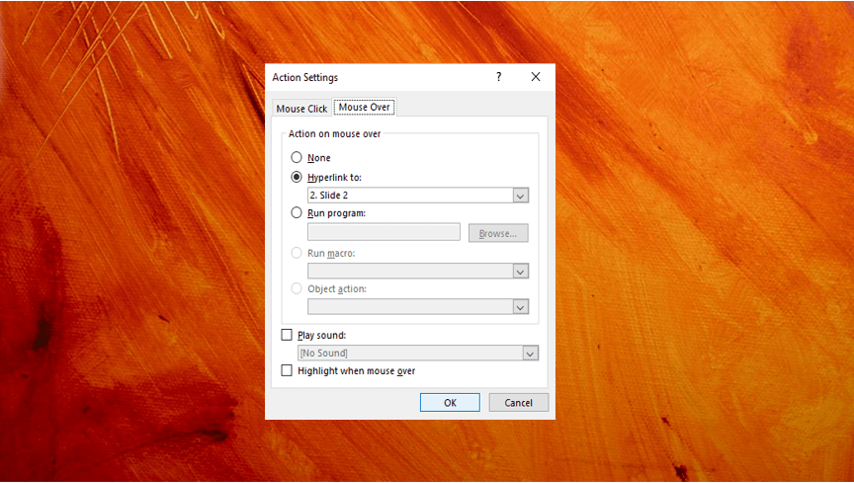

How to Turn Off Autofit in PowerPoint to Stop Automatic Formatting
Turn Autofit Off or On in PowerPoint Presentations by Avantix Learning Team | Updated March 12, 2021 Applies to: Microsoft® PowerPoint® 2013, 2016, 2019 and 365 (Windows) You can turn off Autofit to stop PowerPoint from automatically formatting or changing font size...
How to Insert Linked or Unlinked Excel Worksheet Data into PowerPoint
Inserting Excel Data into PowerPoint That You Can Update by Avantix Learning Team | Updated March 15, 2021 Applies to: Microsoft® PowerPoint® 2013, 2016, 2019 and 365, (Windows) You can insert Excel worksheet data into PowerPoint as an object or a table. Objects can...
How to Remove Comments in Word (4 Ways to Delete Comments)
Remove Comments in Word Documents (Delete Single, Multiple or All Comments) by Avantix Learning Team | Updated February 4, 2026 Applies to: Microsoft® Word® 2016, 2019, 2021, 2024 or 365 (Windows) You can remove comments in Word by right-clicking, using the Review tab...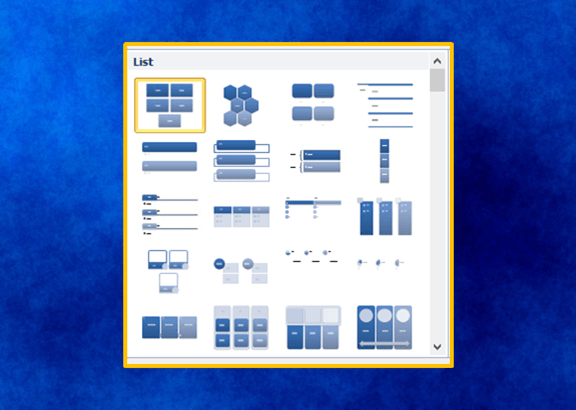
20 PowerPoint Tips and Shortcuts to Work Faster with SmartArt
Check Out These Tips and Shortcuts to Insert and Format SmartArt in PowerPoint by Avantix Learning Team | Updated March 12, 2021 Applies to: Microsoft® PowerPoint® 2013, 2016, 2019 and 365 (Windows) If you’re inserting and formatting SmartArt in PowerPoint, there are...Follow Us


