
How to Crop a Picture into a Circle in PowerPoint (Crop Image to Shape)
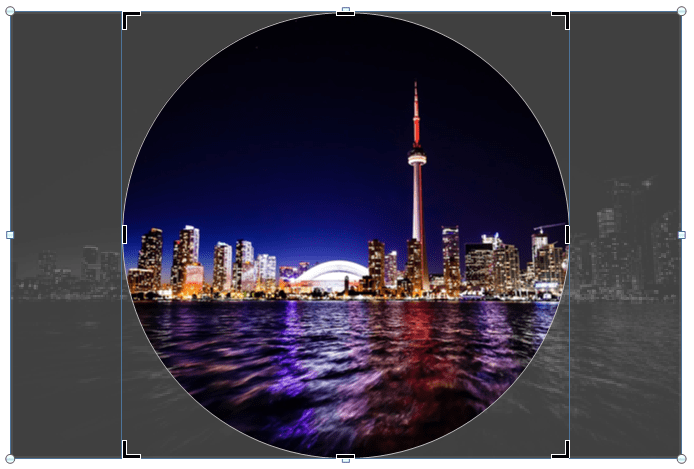
Crop a Picture into a Circle on a PowerPoint Slide Using Crop to Shape by Avantix Learning Team | Updated March 21, 2026 Applies to: Microsoft® PowerPoint® 2016, 2019, 2021 and 365 (Windows) If you want to crop an image into a circle in PowerPoint, you will need to...
How to Insert the Mu or Micro Symbol in Word (µ)
6 Ways to Insert or Type the Mu or Micro Symbol in Word Documents by Avantix Learning Team | Updated November 2, 2021 Applies to: Microsoft® Word® 2013, 2016, 2019 or 365 (Windows) You can insert or type the Mu or Micro symbol (µ) in Word documents using built-in...
How to Insert a Check Mark or Tick Mark in Google Docs (4 Ways)
Insert or Type a Check Mark or Tick Mark Symbol in Google Docs by Avantix Learning Team | Updated September 7, 2023 Applies to: Google Docs® (Windows or Mac) You can insert or type a check mark or tick mark symbol in a Google Docs file in several ways. Check marks can...
How to Copy Formatting in Word (3 Easy Ways with Shortcuts)
Copy Text Formatting in Microsoft Word using the Format Painter or Keyboard Shortcuts by Avantix Learning Team | Updated March 25, 2026 Applies to: Microsoft® Word® 2016, 2019, 2021, 2024 or 365 (Windows) In Microsoft Word, you can copy text formatting quickly and...
How to Cut a Shape Out of an Image in PowerPoint (Mask a Picture)
Cut a Shape Out of an Image in PowerPoint Using Merge Shapes by Avantix Learning Team | Updated September 7, 2023 Applies to: Microsoft® PowerPoint® 2013, 2016, 2019, 2021 and 365 (Windows) In Microsoft PowerPoint 2013 and later versions, you can use Merge Shapes to...Follow Us


