

How to Add or Edit Heading Levels in a Table of Contents in Word
Edit a Table of Contents (TOC) in Word by Adding or Changing Heading Levels by Avantix Learning Team | Updated May 10, 2022 Applies to: Microsoft® Word® 2013, 2016, 2019, 2021 or 365 (Windows) If you have created a custom or automatic table of contents (TOC) in a Word...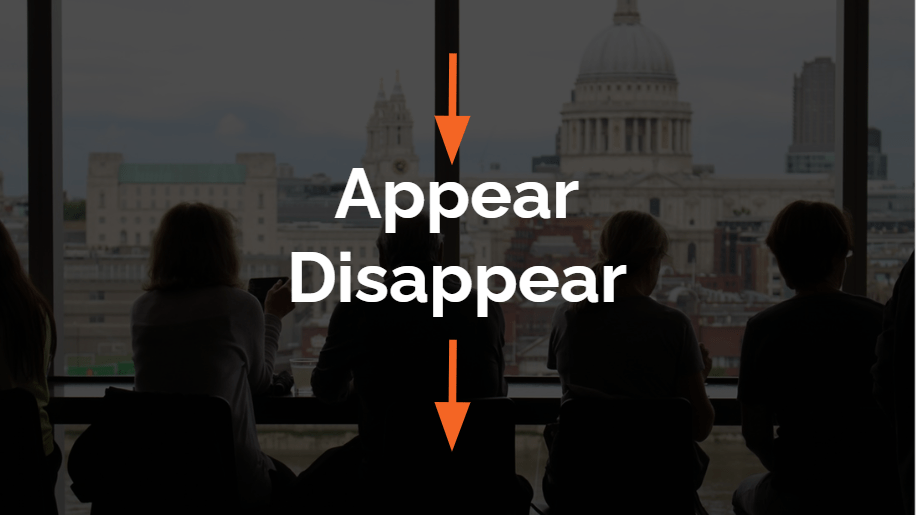
How to Make an Object Appear and Disappear in Google Slides Using Animations
Make an Object Appear and Disappear in Google Slides Using Entrance and Exit Animations by Avantix Learning Team | Updated April 29, 2022 Applies to: Google Slides® (Windows) In Google Slides, you can add both entrance and exit animations to make an object appear on a...
How to Display All Available Styles in a Word Document (Including Headings 1-9)
Use the Styles Task Pane to Display All Styles in a Word Document by Avantix Learning Team | Updated June 27, 2026 Applies to: Microsoft® Word® 2016, 2019, 2021, 2024 or 365 (Windows) You can display all available styles in a Microsoft Word document using the Styles...
How to Double Space in Word (4 Ways with Shortcuts)
Double Space Lines in Microsoft Word Documents by Avantix Learning Team | Updated January 25, 2026 Applies to: Microsoft® Word® 2016, 2019, 2021, 2024 and 365 (Windows) You can double space in Word using the Ribbon, the Paragraph dialog box, a keyboard shortcut or by...
How to Align or Justify Text in Word (4 Ways with Shortcuts)
Apply Left, Center, Right or Justify Alignment to Text in Microsoft Word by Avantix Learning Team | Updated February 5, 2026 Applies to: Microsoft® Word® 2016, 2019, 2021, 2024 and 365 (Windows) You can align or justify text or other content in Word in several ways...Follow Us


