
How to Insert Nonbreaking Spaces and Nonbreaking Dashes in PowerPoint
Keep Characters Together Using Nonbreaking Spaces and Nonbreaking Dashes (or Hyphens) in Your PowerPoint Slides by Avantix Learning Team | Updated October 11, 2022 Applies to: Microsoft® PowerPoint® 2010, 2013, 2016, 2019, 2021 and 365 (Windows) You can insert...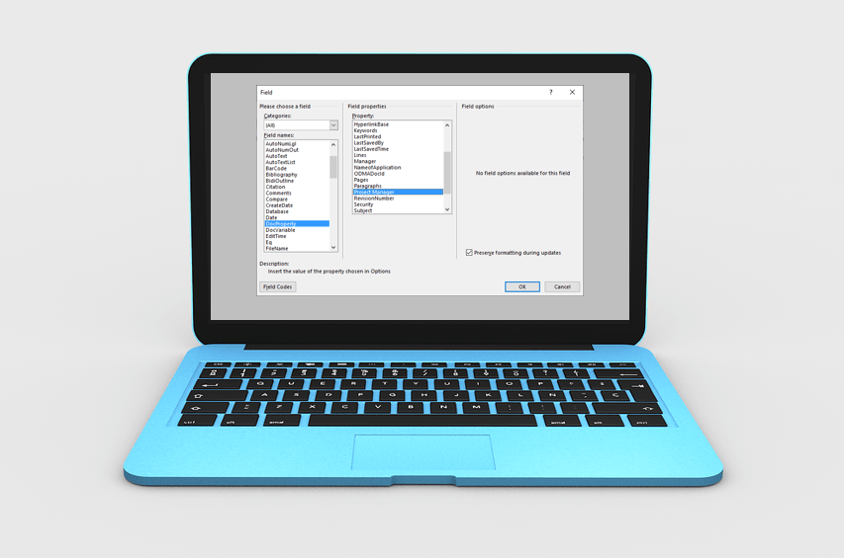
How to Insert Fields in Microsoft Word (Built-in or Custom)
Insert Fields in a Microsoft Word Document to Display Variable Content by Avantix Learning Team | Updated January 10, 2021 Applies to: Microsoft® Word® 2010, 2013, 2016, 2019 or 365 (Windows) You can insert built-in or custom fields in Word documents to display...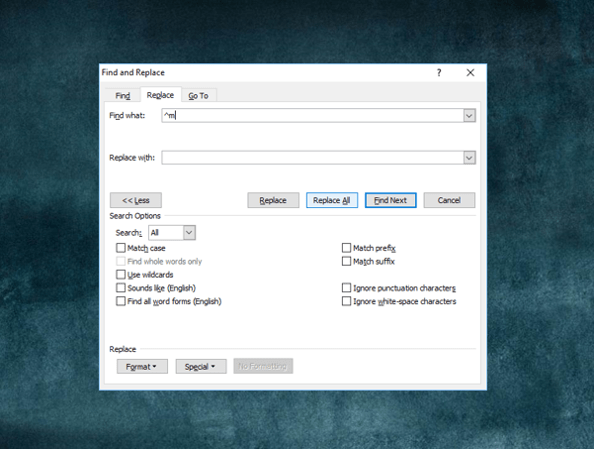
How to Quickly Remove All Page Breaks in Word
Delete All Manual Page Breaks in a Microsoft Word Document Article by: Avantix Learning Team | Updated January 10, 2021 Applies to: Microsoft® Word® 2010, 2013, 2016, 2019 or 365 (Windows) You can quickly remove all page breaks in a Microsoft Word file using Find and...
How to Use Mail Merge in Word for Form Letters (Step by Step)
Perform a Mail Merge in Microsoft Word to Generate Form Letters for Bulk Mailings by Avantix Learning Team | Updated January 10, 2021 Applies to: Microsoft® Word® 2013, 2016, 2019 and 365 (Windows) You can use mail merge in Microsoft Word to create form letters,...
How to Import Styles from One Word Document to Another
Import Styles from One Microsoft Word Document to Another by Avantix Learning Team | Updated June 27, 2026 Applies to: Microsoft® Word® 2016, 2019, 2021, 2024 and 365 (Windows) You can import styles from one Word document to another in several ways. The best way to...Follow Us


