
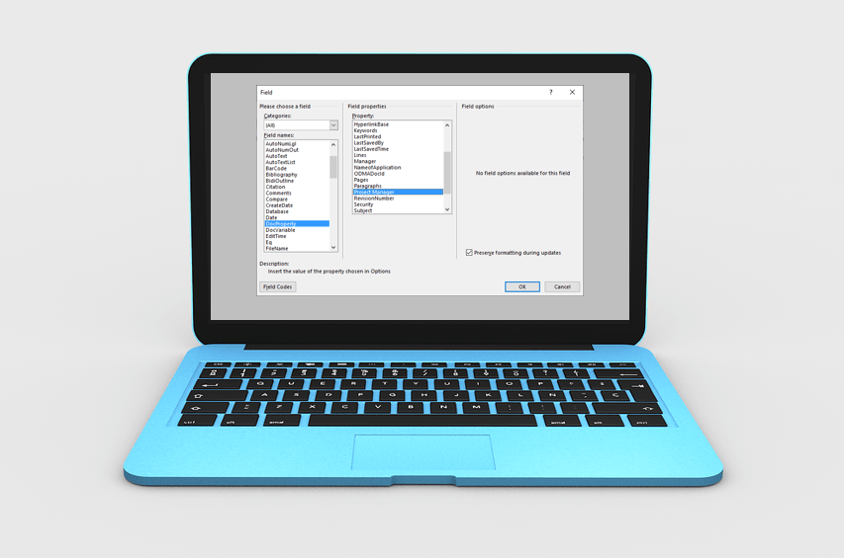
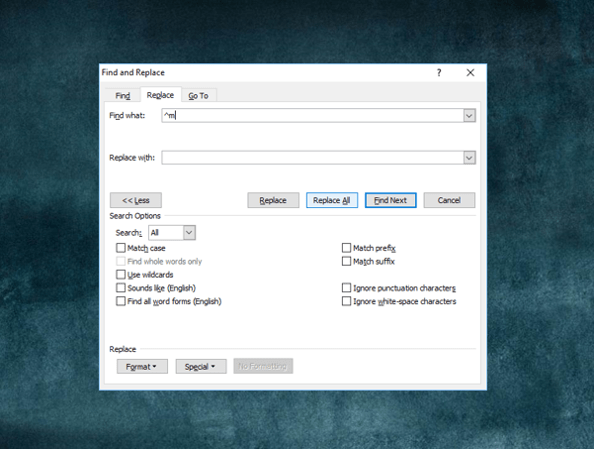
How to Quickly Remove All Page Breaks in Word
Delete All Manual Page Breaks in a Microsoft Word Document Article by: Avantix Learning Team | Updated January 10, 2021 Applies to: Microsoft® Word® 2010, 2013, 2016, 2019 or 365 (Windows) You can quickly remove all page breaks in a Microsoft Word file using Find and...
How to Use Mail Merge in Word for Form Letters (Step by Step)
Perform a Mail Merge in Microsoft Word to Generate Form Letters for Bulk Mailings by Avantix Learning Team | Updated January 10, 2021 Applies to: Microsoft® Word® 2013, 2016, 2019 and 365 (Windows) You can use mail merge in Microsoft Word to create form letters,...
How to Import Styles from One Word Document to Another
Import Styles from One Microsoft Word Document to Another by Avantix Learning Team | Updated May 17, 2021 Applies to: Microsoft® Word® 2010, 2013, 2016, 2019 and 365 (Windows) You can import styles from one Word document to another in several ways. The best way to...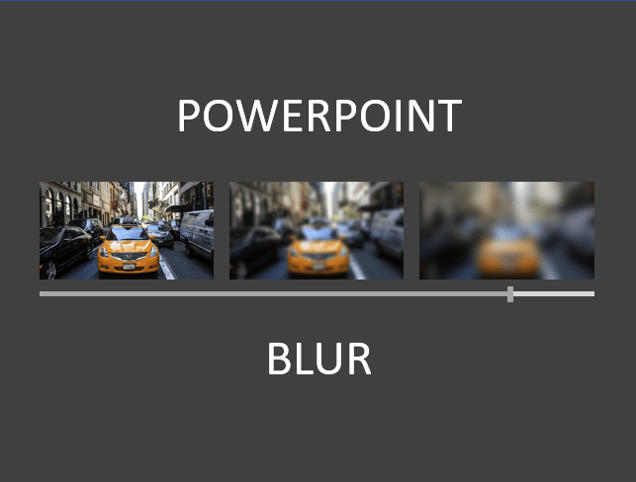
How to Blur an Image in PowerPoint
Blur a Picture on a PowerPoint Slide by Avantix Learning Team | Updated February 26, 2025 Applies to: Microsoft® PowerPoint® 2016, 2019, 2021 and 365 (Windows) You can blur an image in PowerPoint and achieve some interesting effects. Blur is an artistic effect and you...
How to Add Page Numbers in Word
Add Page Numbers in Word Documents using Headers or Footers by Avantix Learning Team | Updated January 25, 2026 Applies to: Microsoft® Word® 2016, 2019, 2021, 2024 and 365 (Windows) You can add page numbers in Word documents at the top or bottom of pages using headers...Follow Us


