


How to Use Morph in PowerPoint to Design Engaging Presentations
Use the Morph Transition in PowerPoint to Make Presentations More Dynamic and Engaging by Avantix Learning Team | January 15, 2025 Applies to: Microsoft® PowerPoint® 2019, 2021, 2024 and 365 (Windows) If you have PowerPoint 2019 or a later version, you can use the...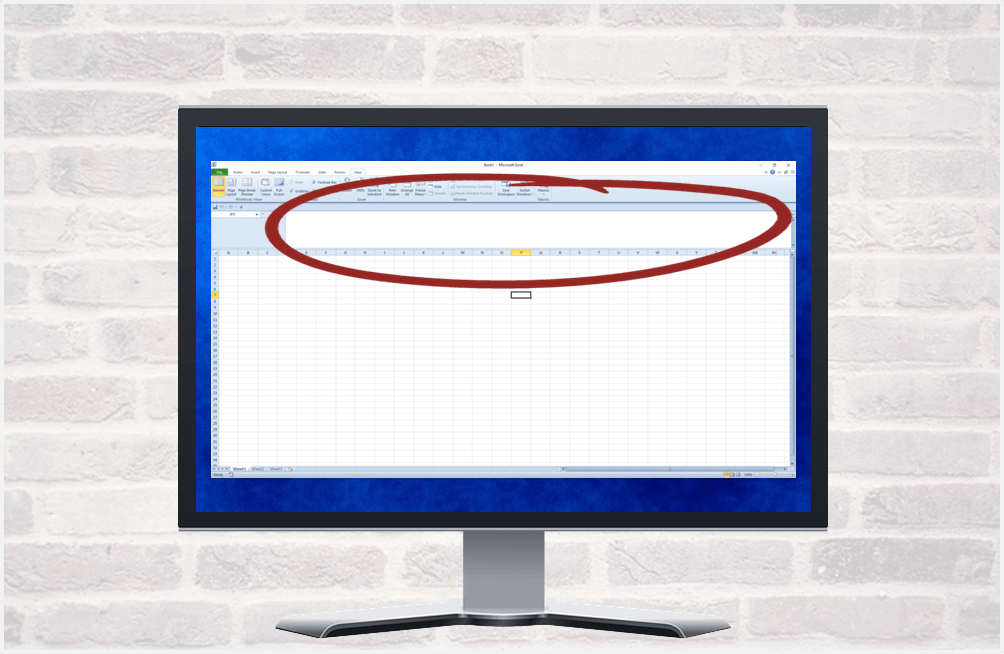
How to Expand the Formula Bar in Excel (2 Ways)
Easily Expand or Collapse the Formula Bar in Excel by Avantix Learning Team | Updated September 14, 2023 Applies to: Microsoft® Excel® 2010, 2013, 2016, 2019, 2021 and 365 (Windows) In Microsoft Excel, the Formula Bar appears below the Ribbon by default. When you...
How to Move an Object Across a PowerPoint Slide During a Slide Show
Move an Object Across a PowerPoint Slide Using Motion Path or Entrance Animations by Avantix Learning Team | Updated May 28, 2021 Applies to: Microsoft® PowerPoint® 2013, 2016, 2019 and 365 (Windows) You can move a shape, image or other object across a PowerPoint...
Why You Can't Group in PowerPoint (3 Common Issues)
Why Group May Be Disabled in PowerPoint by Avantix Learning Team | Updated May 21, 2021 Applies to: Microsoft® PowerPoint® 2013, 2016, 2019 and 365 (Windows) It’s common to group objects in PowerPoint so you can move the objects together and apply formatting and...
How to Insert a Nonbreaking Space in Word
Insert a Nonbreaking Space in Word to Keep Words or Characters Together by Avantix Learning Team | Updated October 23, 2024 Applies to: Microsoft® Word® 2013, 2016, 2019, 2021 and 365 (Windows) If you want to keep words or characters together on the same line in a...Follow Us


