
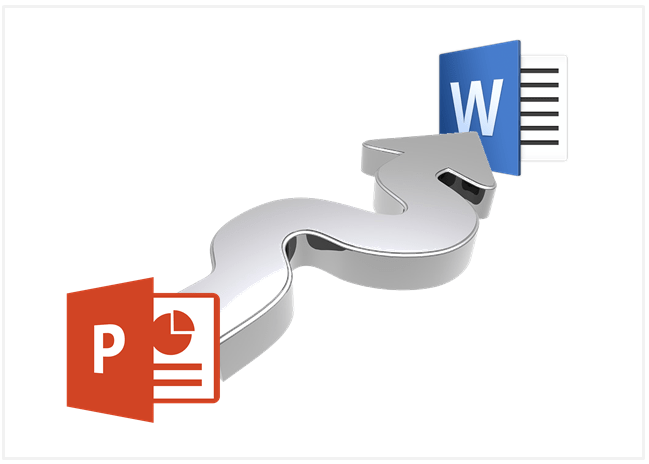
How to Export PowerPoint Handouts to Microsoft Word
Export Handouts from PowerPoint and Edit in Microsoft Word by Avantix Learning Team | Updated April 16, 2017 Applies to: Microsoft® PowerPoint® and Word® 2007, 2010, 2013 and 2016 (Windows) It's easy to export handouts from Microsoft PowerPoint presentations to Word....
How to Break, Update or Change Links to Excel Charts or Worksheets in PowerPoint
Use PowerPoint's Edit Links to Files to Break, Update or Change Excel Links by Avantix Learning Team | Updated March 15, 2021 Applies to: Microsoft® PowerPoint® 2010, 2013, 2016, 2019 and 365 (Windows) If you want to break, update or change links to Excel charts or...
How to Quickly Change Shapes on PowerPoint Slides
2 Ways to Change Shapes in PowerPoint by Avantix Learning Team | Updated August 23, 2021 Applies to: Microsoft® PowerPoint® 2010, 2013, 2016, 2019 and 365 (Windows) When you create shapes in PowerPoint, they are created as vectors. You can apply fills, lines, special...
How to Insert a Linked Excel Chart or Graph into PowerPoint
Easily Insert Excel Linked Charts or Graphs onto PowerPoint Slides by Avantix Learning Team | Updated May 16, 2022 Applies to: Microsoft® PowerPoint® 2013, 2016, 2019, 2021 and 365, (Windows) It's easy to insert a linked Excel chart or graph into PowerPoint by copying...
How to Use the Eyedropper in PowerPoint to Match Colors
Use the Eyedropper to Quickly Copy Colors from Pictures in Microsoft PowerPoint by Avantix Learning Team | Updated October 24, 2021 Applies to: Microsoft® PowerPoint® 2013, 2016, 2019 and 365 (Windows) The Eyedropper (sometimes called the color picker) is one of those...Follow Us


