


10 Microsoft Access Navigation Pane Keyboard Shortcuts
Try These Keyboard Shortcuts for the Access Navigation Pane Posted by: Avantix Learning Team | Updated September 13, 2021 Applies to: Microsoft® Access® 2010, 2013, 2016, 2019 and 365 The Navigation Pane was introduced in Access 2007 and offered a new way to work with...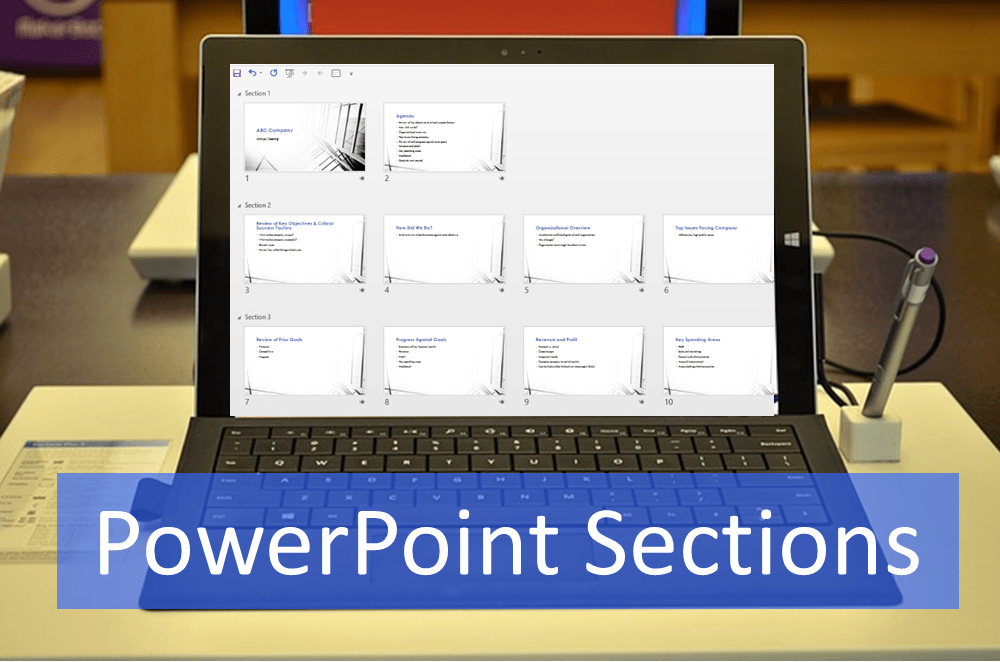
How to Use Sections in PowerPoint to Organize Slides
Organize Your PowerPoint Presentation Using Sections by Avantix Learning Team | Updated June 9, 2021 Applies to: Microsoft® PowerPoint® 2013, 2016, 2019 and 365 (Windows) You can manage a PowerPoint presentation by organizing it into sections. Although you can work...
10 Microsoft Word Shortcuts for Moving Around in Tables
Move Quickly in Word Tables using Navigation Keyboard Shortcuts by Avantix Learning Team | Updated August 21, 2022 Applies to: Microsoft® Word® 2010, 2013, 2016, 2019, 2021 or 365 (Windows) If you work a lot with tables in Microsoft Word, it's helpful to learn to move...
How to Create a Timeline in Microsoft Project
Display Key Tasks in Microsoft Project's Timeline View by Avantix Learning Team | Updated October 13, 2022 Applies to: Microsoft® Project® 2010, 2013, 2016, 2019 and 365 (Standard and Professional) Timelines are a great way to view key tasks and milestones in a...
10 Microsoft Project Tips for Working Efficiently in Tables
Try Out These Useful Techniques in Microsoft Project Tables by Avantix Learning Team | Updated October 14, 2021 Applies to: Microsoft® Project® 2010, 2013, 2016 and 2019 (Standard and Professional) Tables are a core component of Microsoft Project. They appear in many...Follow Us


