

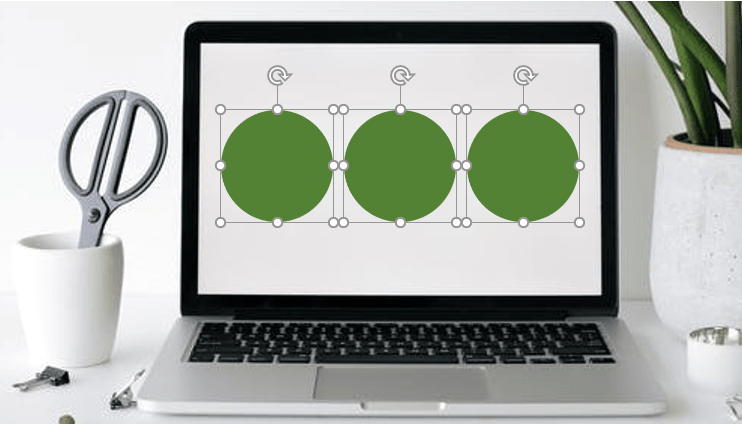
How to Group or Ungroup Objects in PowerPoint (with Shortcuts)
3 Ways to Group or Ungroup Objects in PowerPoint Presentations by Avantix Learning Team | Updated October 4, 2024 Applies to: Microsoft® PowerPoint® 2016, 2019, 2021 and 365 (Windows) You can group and ungroup objects in PowerPoint using keyboard shortcuts, the...
How to Fade a Picture In and Out in PowerPoint
Fade an Image In and Out in PowerPoint Using Animations by Avantix Learning Team | Updated September 5, 2023 Applies to: Microsoft® PowerPoint® 2013, 2016, 2019, 2021 and 365 (Windows) You can fade a picture in and out in PowerPoint using animations. Both Fade...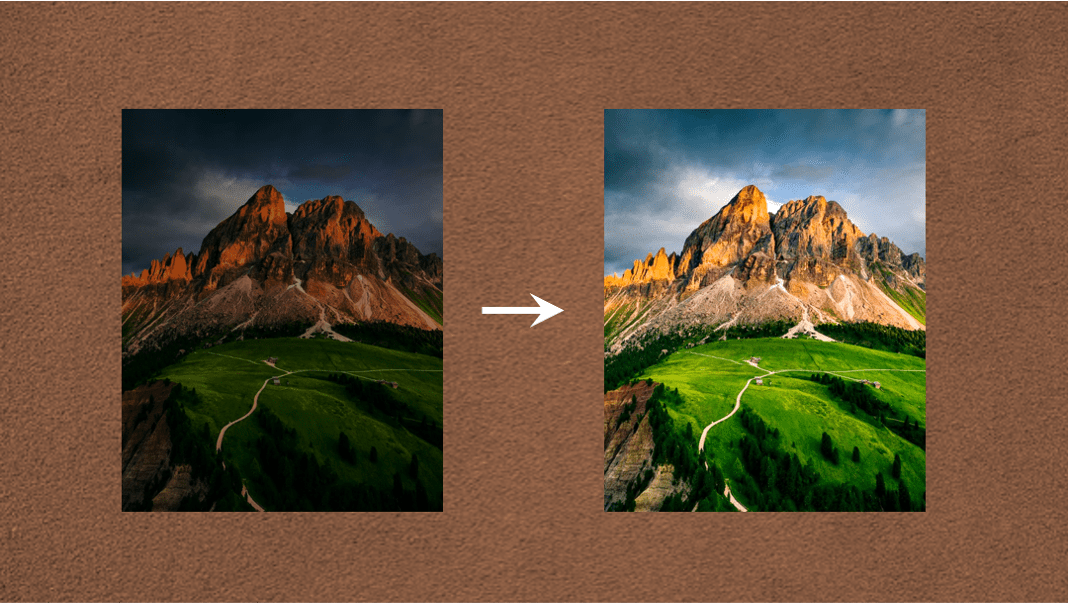
How to Change Picture Brightness or Contrast in PowerPoint
Change the Brightness or Contrast of Images in PowerPoint (2 Ways) by Avantix Learning Team | Updated September 10, 2023 Applies to: Microsoft® PowerPoint® 2013, 2016, 2019, 2021 and 365 (Windows) In PowerPoint, you can change the brightness or contrast of a picture...
15 PowerPoint Shortcuts to Select Text
Use Shortcuts to Quickly Select Text in PowerPoint by Avantix Learning Team | Updated January 15, 2026 Applies to: Microsoft® PowerPoint® 2016, 2019, 2021, 2024 and 365 (Windows) The following are 15 shortcuts you can use in PowerPoint to select text in shapes, text...
How to Subscript in Google Docs (Mac or Windows with Shortcuts)
3 Ways to Apply Subscript in Google Docs (for Text, Numbers or Symbols) by Avantix Learning Team | Updated March 20, 2026 Applies to: Google Docs® (Windows or Mac) You can apply subscript to text, numbers or special characters in Google Docs using the menu or a...Follow Us


