


How to Stop Words from Splitting at the End of a Line in Microsoft Word
Stop Words from Breaking Across Lines or Pages in Microsoft Word by Avantix Learning Team | Updated March 14, 2021 Applies to: Microsoft® Word® 2010, 2013, 2016, 2019 and 365 (Windows) There are many ways to stop words from splitting across lines in Microsoft Word. If...
10 Timesaving Microsoft Word Shortcuts
Increase Your Productivity with These Useful Shortcuts by Avantix Learning Team | Updated July 30, 2020 Applies to: Microsoft® Word® 2010, 2013, 2016, 2019 and 365 (Windows) Here are 10 extremely useful shortcuts (in Word for Windows). I have not included the common...
How to Insert, Format and Update Cross-References in Word
Insert and Manage Dynamic Cross-Reference Fields in Microsoft Word by Avantix Learning Team | Updated March 20, 2026 Applies to: Microsoft® Word® 2016, 2019, 2021, 2024 or 365 (Windows) In Microsoft Word, you can insert a cross-reference to content in another part of...
How to Insert an Em or En Dash in Word (4 Ways with Shortcuts)
Insert an Em or En Dash in Microsoft Word using the Ribbon or Keyboard Shortcuts by Avantix Learning Team | Updated January 25, 2026 Applies to: Microsoft® Word® 2016, 2019, 2021, 2024 or 365 (Windows) You can insert an em dash or en dash in a Microsoft Word document...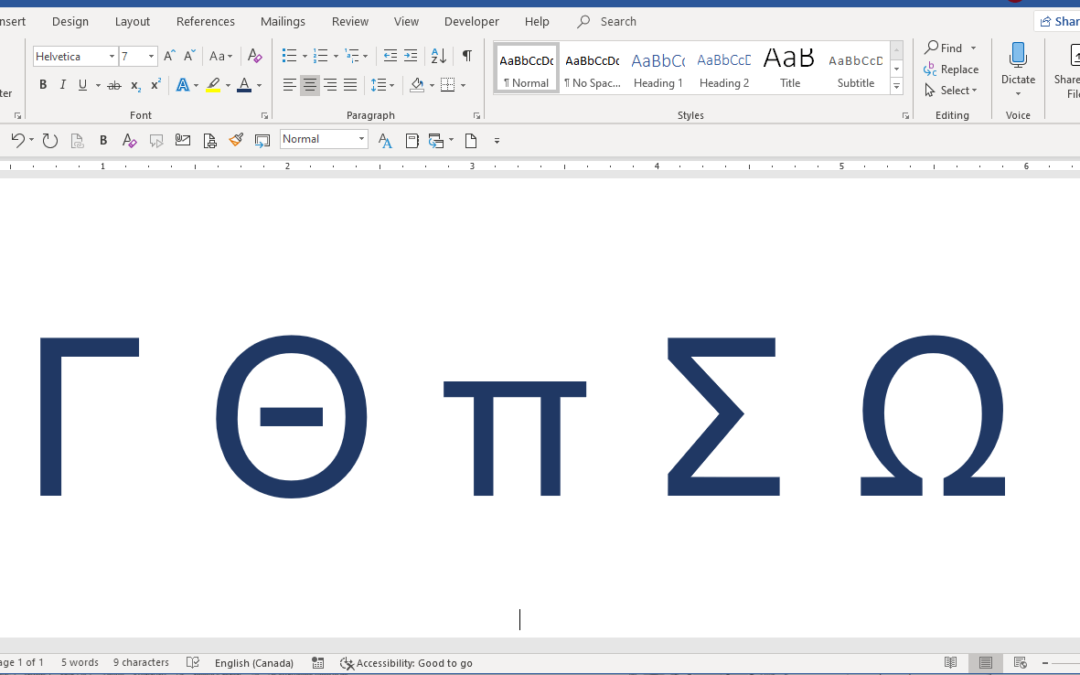
How to Insert Greek Letters or Symbols in Word (6 Ways)
Insert or Type Alpha, Beta, Delta, Gamma, Omega, Pi, Sigma, Theta and Other Greek Symbols in Word Documents by Avantix Learning Team | Updated August 15, 2025 Applies to: Microsoft® Word® 2013, 2016, 2019, 2021 or 365 (Windows) You can enter Greek letters or symbols...Follow Us


