


How to Reorder Objects in PowerPoint Using Bring to Front or Send to Back (with Shortcuts)
Reorder Objects in PowerPoint Using Bring to Front, Send to Back, Bring Forward or Send Backward by Avantix Learning Team | Updated January 1, 2022 Applies to: Microsoft® PowerPoint® 2013, 2016, 2019, 2021 and 365 (Windows) You can reorder objects on a PowerPoint...
How to Loop a PowerPoint Slide Show to Repeat Automatically
Set up a PowerPoint Presentation That Loops or Repeats Continuously by Avantix Learning Team | Updated November 12, 2021 Applies to: Microsoft® PowerPoint® 2013, 2016, 2019 and 365 (Windows) You can set up a PowerPoint slide show to loop or repeat automatically. A...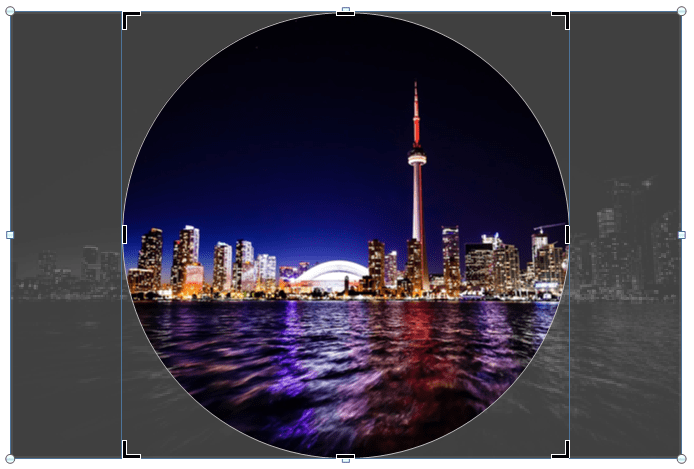
How to Crop a Picture into a Circle in PowerPoint (Crop Image to Shape)
Crop a Picture into a Circle on a PowerPoint Slide Using Crop to Shape by Avantix Learning Team | Updated March 21, 2026 Applies to: Microsoft® PowerPoint® 2016, 2019, 2021 and 365 (Windows) If you want to crop an image into a circle in PowerPoint, you will need to...
How to Cut a Shape Out of an Image in PowerPoint (Mask a Picture)
Cut a Shape Out of an Image in PowerPoint Using Merge Shapes by Avantix Learning Team | Updated September 7, 2023 Applies to: Microsoft® PowerPoint® 2013, 2016, 2019, 2021 and 365 (Windows) In Microsoft PowerPoint 2013 and later versions, you can use Merge Shapes to...
5 PowerPoint Keyboard Shortcuts to Start a Slide Show
Try These Useful PowerPoint Shortcuts to Start a Slide Show by Avantix Learning Team | March 12, 2025 Applies to: Microsoft® PowerPoint® 2016, 2019, 2021 and 365 (Windows) You can start a slide show in PowerPoint using several keyboard shortcuts. In this article,...Follow Us


