


How to Extract All Video or Audio Files from a PowerPoint Deck
Try This Great Trick to Easily Extract All Embedded Video or Audio from a PowerPoint Presentation Avantix Learning Team | Updated August 11, 2021 Applies to: Microsoft® PowerPoint® 2013, 2016, 2019 and 365 (Windows) If you want to extract embedded video or audio files...
How to Keep Text Together in Word (Paragraphs, Lines or Words)
4 Ways to Keep Text Together in Microsoft Word Documents by Avantix Learning Team | Updated July 9, 2025 Applies to: Microsoft® Word® 2016, 2019, 2021 and 365 (Windows) You can keep text together in several ways in Word. If you want to keep words or characters...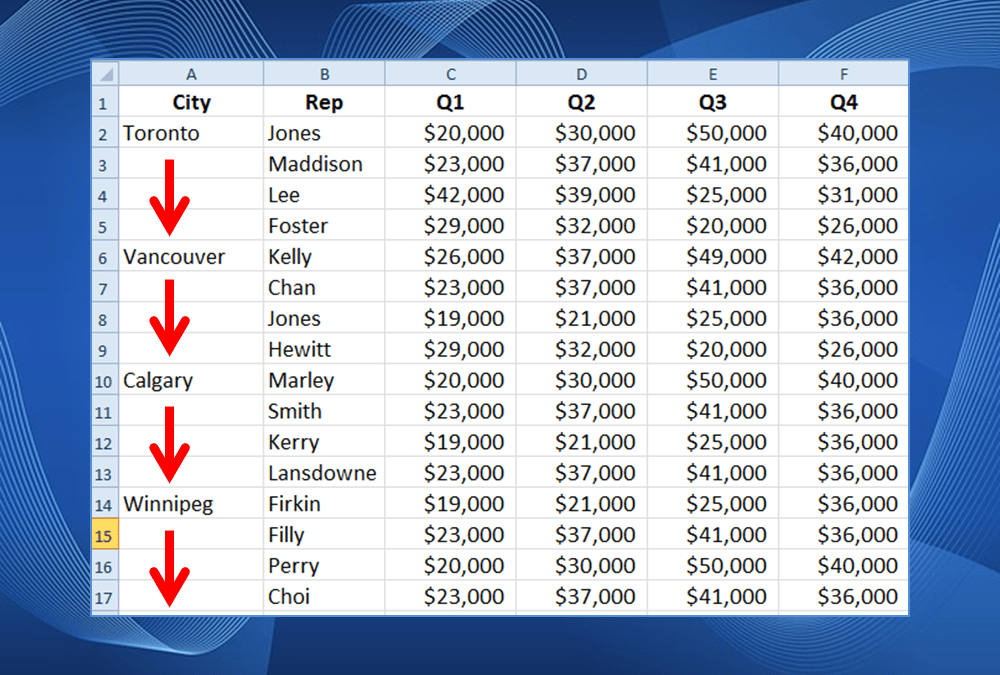
How to Fill or Replace Blank Cells in Excel with a Value from a Cell Above
Easily Fill Blank Cells with Values from a Cell Above by Avantix Learning Team | Updated May 26, 2022 Applies to: Microsoft® Excel® 2010, 2013, 2016, 2019, 2021 and 365 (Windows) You can fill or replace blank cells in Excel with a value from a cell above using a few...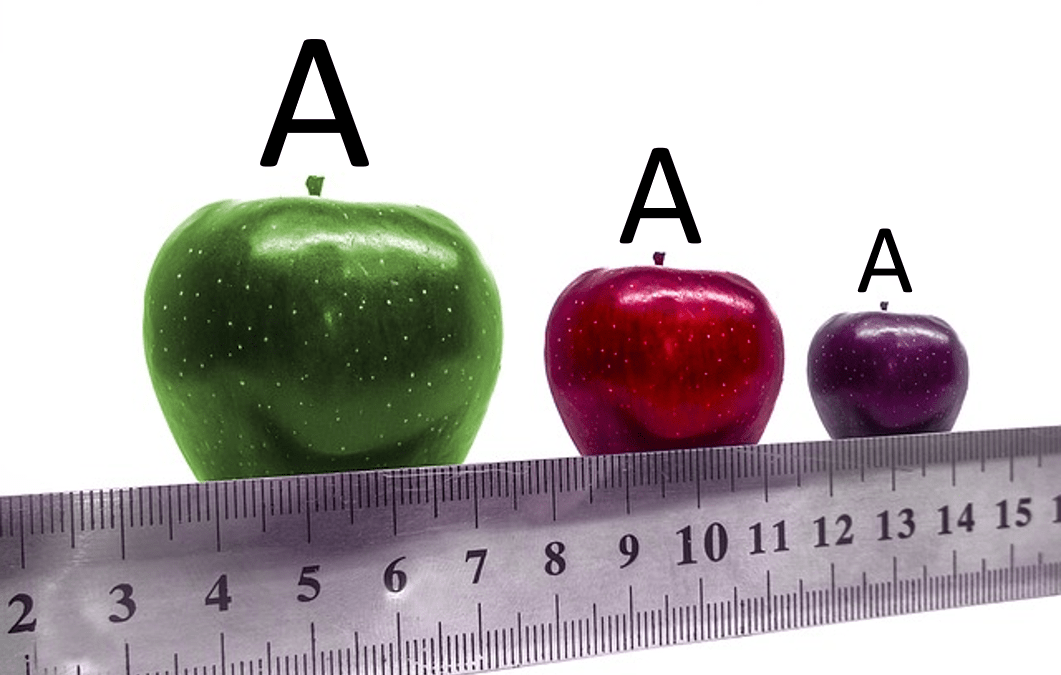
How to Turn Off Automatic Text Resizing in PowerPoint
Stop Automatic Text Resizing in PowerPoint Placeholders or Text Boxes by Avantix Learning Team | Updated January 25, 2026 Applies to: Microsoft® PowerPoint® 2016, 2019, 2021, 2024 and 365 (Windows) You can turn off or stop automatic text resizing in PowerPoint by...
10 Ways to Save Time Selecting in Excel using the Name Box
Check Out These Easy Ways to Select using the Name Box in Excel by Avantix Learning Team | Updated November 8, 2021 Applies to: Microsoft® Excel® 2010, 2013, 2016, 2019 and 365 (Windows) The Name Box is located to the left of the Formula Bar in Microsoft Excel. It...Follow Us


