

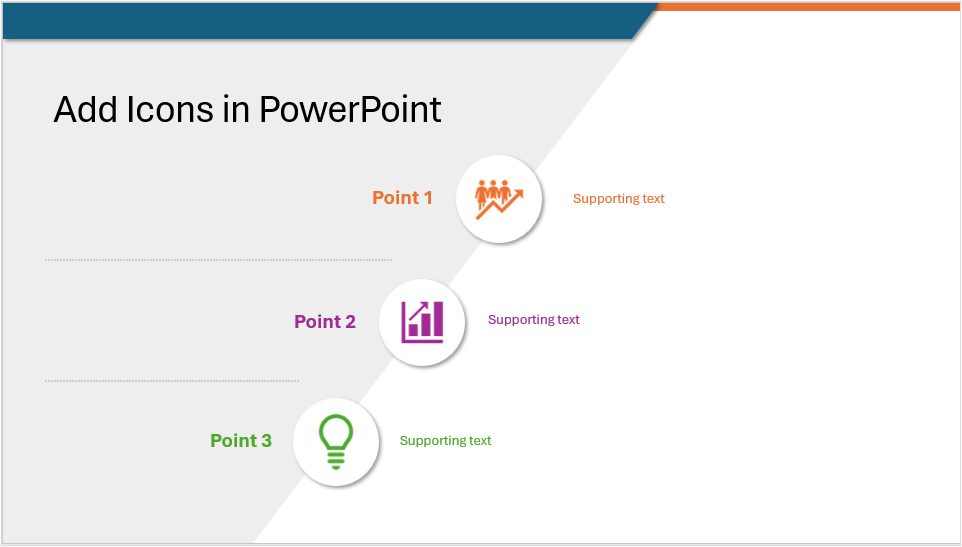
How to Insert and Format Icons in PowerPoint
Make Presentations More Engaging Using PowerPoint's Built-in Icons by Avantix Learning Team | Updated March 4, 2026 Applies to: Microsoft® PowerPoint® 2019, 2021, 2024 and 365 (Windows) You can insert icons in PowerPoint using Microsoft's built-in Stock Images which...
How to Highlight or Draw on PowerPoint Slides During a Slide Show
Use the Pen or Highlighter Tools to Draw on a Slide During a PowerPoint Slide Show (Create Ink Annotations) by Avantix Learning Team | Updated January 26, 2026 Applies to: Microsoft® PowerPoint® 2019, 2021, 2024 and 365 (Windows) You can access PowerPoint's ink...
How to Highlight Text in PowerPoint (5 Ways)
5 Different Strategies to Highlight Text in PowerPoint by Avantix Learning Team | Updated January 17, 2026 Applies to: Microsoft® PowerPoint® 2016, 2019, 2021, 2024 and 365 (Windows) You can highlight text in PowerPoint in many different ways. If you have PowerPoint...
How to Curve Text in PowerPoint
Curve text in PowerPoint Using WordArt Transform Options by Avantix Learning Team | Updated January 15, 2026 Applies to: Microsoft® PowerPoint® 2019, 2021, 2024 and 365 (Windows) You can curve text in PowerPoint using WordArt Transform options on the Shape tab in the...
How to Link to Another Slide in PowerPoint (4 Ways)
4 Ways to Link to Another Slide in the Same PowerPoint Presentation by Avantix Learning Team | Updated February 6, 2026 Applies to: Microsoft® PowerPoint® 2016, 2019, 2021, 2024 and 365 (Windows) You can easily add a link or hyperlink to another slide in the same...Follow Us


