


Simple Strategies to Show Trends in Excel (Part 3: Using AutoFill)
Display Trends using AutoFill by Avantix Learning Team | Updated February 18, 2021 Applies to: Microsoft® Excel® 2010, 2013, 2016, 2019 and 365 (Windows) This article is the third in a series of simple ways to show trends in your Excel data. Recommended articles:...
Simple Strategies to Show Trends in Excel (Part 2: Adding Trendlines in Charts)
Displaying Trendlines in Excel Charts by Avantix Learning Team | Updated February 18, 2021 Applies to: Microsoft® Excel® 2010, 2013, 2016, 2019 and 365 (Windows) In Microsoft Excel, you have the ability to add one or more trendlines to a chart and to project future...
Simple Strategies to Show Trends in Excel (Part 1: Sparklines)
Use Excel Sparklines to Display Trends Visually by Avantix Learning Team | Updated January 7, 2020 Applies to: Microsoft® Excel® 2010, 2013, 2016, 2019 and 365 (Windows) This article is the first in a series of simple ways to show trends in your Excel data. In Excel...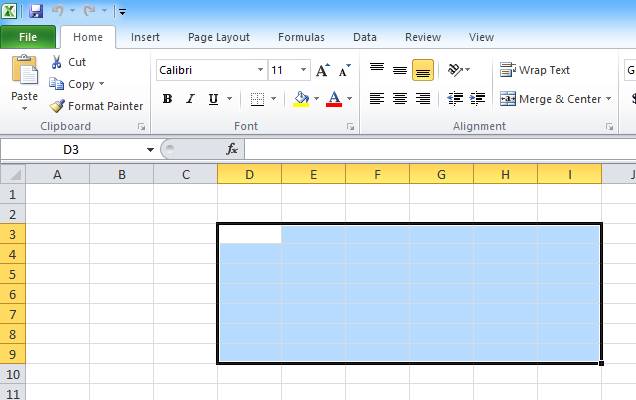
10 Excel Selection Shortcuts to Save Time in Your Worksheets
Use Shortcuts to Quickly Select Cells, Ranges, Columns and Rows in Microsoft Excel by Avantix Learning Team | Updated April 5, 2021 Applies to: Microsoft® Excel® 2010, 2013, 2016, 2019 and 365 (Windows) Save time in Microsoft Excel with these useful selection...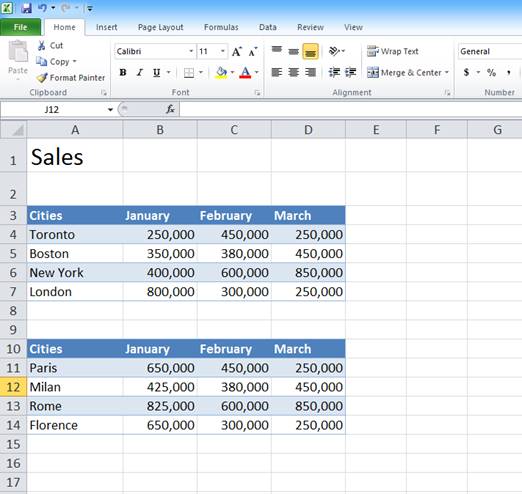
10 Great Excel Navigation Shortcuts to Move Around in Workbooks
Navigate Quickly using Keyboard Shortcuts in Microsoft Excel by Avantix Learning Team | Updated April 5, 2021 Applies to: Microsoft® Excel® 2010, 2013, 2016, 2019 and 365 (Windows) In Microsoft Excel, you can save lots of time if you can move around quickly in your...Follow Us


