
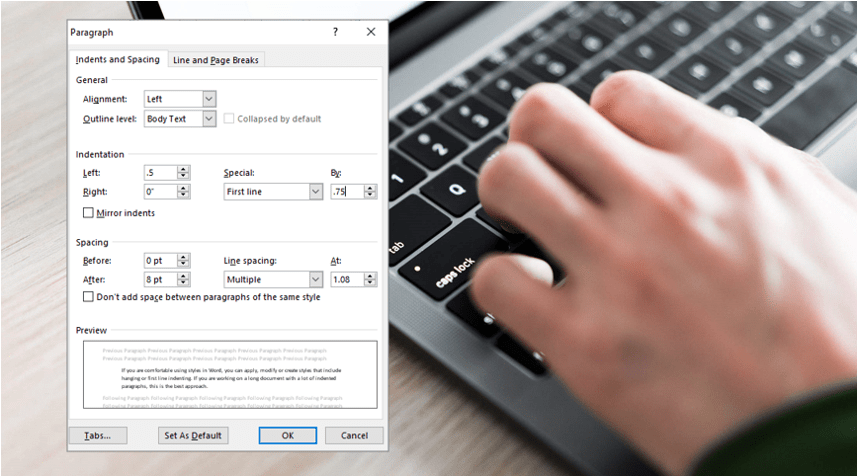

How to Superscript or Subscript in Word (with Shortcuts)
Apply Superscript or Subscript in Microsoft Word (4 Ways) by Avantix Learning Team | Updated March 21, 2026 Applies to: Microsoft® Word® 2016, 2019, 2021, 2024 and 365 (Windows) You can apply superscript or subscript in Microsoft Word using keyboard shortcuts, buttons...
How to Insert an Em or En Dash in Word (4 Ways with Shortcuts)
Insert an Em or En Dash in Microsoft Word using the Ribbon or Keyboard Shortcuts by Avantix Learning Team | Updated January 25, 2026 Applies to: Microsoft® Word® 2016, 2019, 2021, 2024 or 365 (Windows) You can insert an em dash or en dash in a Microsoft Word document...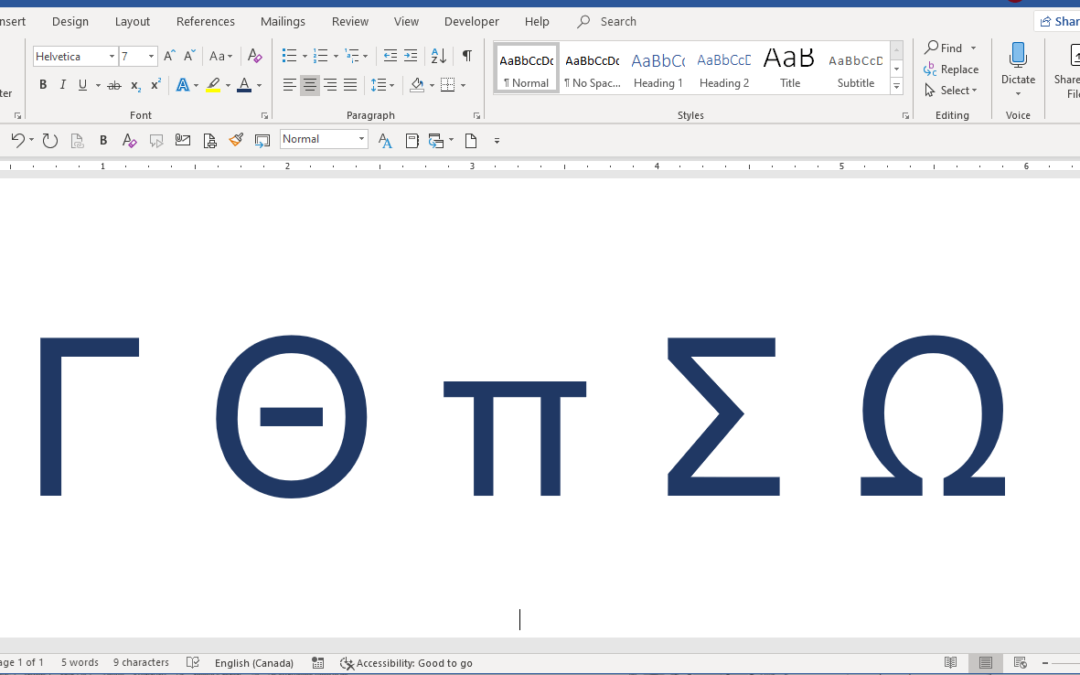
How to Insert Greek Letters or Symbols in Word (6 Ways)
Insert or Type Alpha, Beta, Delta, Gamma, Omega, Pi, Sigma, Theta and Other Greek Symbols in Word Documents by Avantix Learning Team | Updated August 15, 2025 Applies to: Microsoft® Word® 2013, 2016, 2019, 2021 or 365 (Windows) You can enter Greek letters or symbols...
How to Insert a Copyright or Trademark Symbol in Word (4 Ways with Shortcuts)
Insert or Type a Copyright (©), Trademark (™) or Registered Trademark (®) Symbol in a Word Document by Avantix Learning Team | Updated February 13, 2025 Applies to: Microsoft® Word® 2013, 2016, 2019, 2021 or 365 (Windows) You can insert or type the copyright (©),...Follow Us


