
Avantix Learning
eLearning Design and Development

Avantix Learning offers elearning design and development using Adobe Captivate, Articulate or Lectora.
Our team of instructional designers and elearning experts are focused on creating a quality, professional elearning experience for your staff.
What's Included
Our elearning design and development services include:
- Needs analysis
- Identification of time and budget constraints
- Audience analysis
- Collaboration with subject matter experts
- Statement of learning objectives
- Design and development of elearning including a full storyboard
- Inclusion of adult learning principles and practices to engage learners and enhance learning
- Inclusion of challenging and relevant assessments
- Collaboration with client to ensure branding and use of graphics and colours are appropriate
- Modules are tested on different browsers and at different resolutions
- Audio and video files are tested and include captions and transcripts
- Modules are tested against accessibility standards
- Navigation and links have been tested
- Regular meetings with clients are scheduled for interim approvals
- Feedback mechanisms are included
- Additional print or digital materials are prepared as necessary
- Evaluation as to whether learning objectives have been met
Articles you may like

How to Quickly Remove All Animations from PowerPoint Presentations
You can quickly remove or delete PowerPoint animations on an individual slide or turn off all animations for an entire presentation. This can be particularly helpful for specific audiences. In this article, we'll use two methods to remove animations. The first method permanently removes animations on a slide and the second simply disables animations during a presentation. Animations can be enabled again later
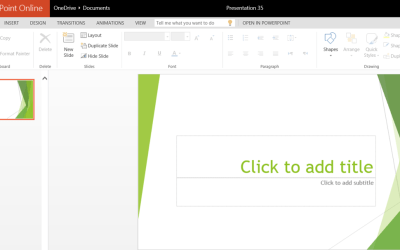
How to Access the Free Online Version of Microsoft PowerPoint
Creating, Editing and Saving Presentations using PowerPoint Online by Avantix Learning Team | Updated October 3, 2015 Applies to: Microsoft® PowerPoint® Online You can access a free online version of Microsoft PowerPoint and create simple presentations on the fly or...

How to Copy Styles Between Word Documents Using the Organizer
Styles are one of the most useful features in Microsoft Word to automate formatting and provide structure in your Word documents. If you're using styles (and hopefully you are), you can copy styles between your Word documents. One way to copy styles is to use the Organizer and it's a bit difficult to find in newer versions. In this article, we'll use the Styles task pane to access the Organizer.