
Avantix Learning
eLearning Design and Development

Avantix Learning offers elearning design and development using Adobe Captivate, Articulate or Lectora.
Our team of instructional designers and elearning experts are focused on creating a quality, professional elearning experience for your staff.
What's Included
Our elearning design and development services include:
- Needs analysis
- Identification of time and budget constraints
- Audience analysis
- Collaboration with subject matter experts
- Statement of learning objectives
- Design and development of elearning including a full storyboard
- Inclusion of adult learning principles and practices to engage learners and enhance learning
- Inclusion of challenging and relevant assessments
- Collaboration with client to ensure branding and use of graphics and colours are appropriate
- Modules are tested on different browsers and at different resolutions
- Audio and video files are tested and include captions and transcripts
- Modules are tested against accessibility standards
- Navigation and links have been tested
- Regular meetings with clients are scheduled for interim approvals
- Feedback mechanisms are included
- Additional print or digital materials are prepared as necessary
- Evaluation as to whether learning objectives have been met
Articles you may like

10 Great PowerPoint Drawing Tricks and Shortcuts
Check out these great PowerPoint drawing tricks and shortcuts that can really save you time.
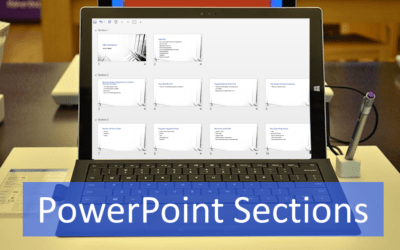
How to Use Sections in PowerPoint to Organize Slides
You can manage a PowerPoint presentation by organizing it into sections. Although you can work with sections in Normal View or Slide Sorter View, it's easier to work with sections in Slide Sorter View. You can insert, name, move, collapse, expand and remove sections in PowerPoint. If you are working with a team on a large presentation, you can assign team members to different sections. You can also use Summary Zoom in PowerPoint 2019 or 365 to create links to different sections.

10 Microsoft Word Shortcuts for Moving Around in Tables
If you work a lot with tables in Microsoft Word, it's helpful to learn to move around quickly using your keyboard. Check out this list of helpful keyboard shortcuts to speed up navigating in tables.